
Archives
All the articles we've archived.
2026 102
October 16
- Prompts

A palm-sized Harry Potter appears?
This Halloween, celebrate with your baby! A prompt that turns one photo into a palm-sized wizard with round glasses, a pointed hat and a wand in its mouth.
Read - Prompts

Why a Chucky with a knife isn't scary at all
Enjoy Halloween 1000%! No need to go costume shopping: one photo turns your baby into the star of Halloween. A prompt for a shot of your pet in a Chucky costume on a city street at night.
Read - Skills

Doubling series short-form skill: “What if it doubled every time?” absurd voxel-animation shorts
The cat doubles every time you give it a treat; the mosquitoes double every time you miss one. A skill that makes 30–45 second 9:16 voxel-animation shorts that start from a question hook and grow to planet scale, from the script math through narration, keyframes, video, editing and the end card.
Read - Skills

Design delivery reel skill: a 20-second comic story with your character and a real car, remaking only the broken shot
A skill that makes a 20-second 9:16 comic reel with your character and a real car model (change request → flying dispatch → print delivery) and exports it with captions. When text breaks in one shot, it remakes only that range for about 29 credits instead of regenerating everything.
Read - Skills

Ramp run · Iron Man landing skill: your character runs the road a car once drove, then lands
A skill that keeps a source video's camera path and timing but swaps the car for your character, who runs down a curved elevated ramp, flies off the end and lands like Iron Man in a 9:16 video.
Read - Skills

Person swap + brand boards skill: your character on the pitch, your brand on the boards
A skill that swaps a person in a sports, street or event clip for your character, adds a prop, and rebrands the background billboards and signs. Seedance 2.5 swap, brand spelling review and the original audio, run by the AI Agent.
Read - Skills

Multi-cut chase, two-person swap skill: the runner becomes you, the chaser a cartoon
A skill that swaps two people in a multi-cut chase or action clip at once, one for a live-action person and one for a cartoon character. When full generation is blocked it splits by cut, and fills a stubborn close-up with a first frame and image-to-video.
Read - Skills

Multi-cut dance, multi-person swap skill: two dancers, two characters, original music
A skill that swaps two or more people in a multi-cut dance video, each for their own character sheet. Silent per-range generation, original audio, layered main and backup takes, and replacing drifting stretches.
Read - Skills

Drama character swap skill: same lines and lip sync, one person becomes your character
A skill that swaps one chosen person in a live-action clip for your character, keeping the original lines, lip sync, other people and cuts, then delivers a 16:9 final and a 9:16 short. One clip and one photo is all it needs.
Read - Skills

Vehicle stunt skill: your character starring on a tank and a helicopter
A skill that builds a 9:16 short of your character toasting and staging a shot on a tank, helicopter, boat or supercar, with no source video. Beat plan, GPT Image 2.5 first frame, Seedance 2.5, song sync and local fixes in the editor.
Read - Skills

Motorcycle champagne shot skill: same flow as the original, your character
A skill that reshoots the viral night-highway clip, champagne popped and a thrown bottle shot from a motorcycle's back seat, with your character. Original analysis, GPT Image 2.5 first frame, Seedance 2.5 one-take, original song.
Read - Skills

Dance character swap skill: same moves and song timing, your character
A skill that swaps the dancer in a dance video for your character. Give the AI Agent one dance video and one photo, and it makes a character sheet, runs a Seedance 2.5 swap, syncs speed to the song, and exports.
Read - Skills
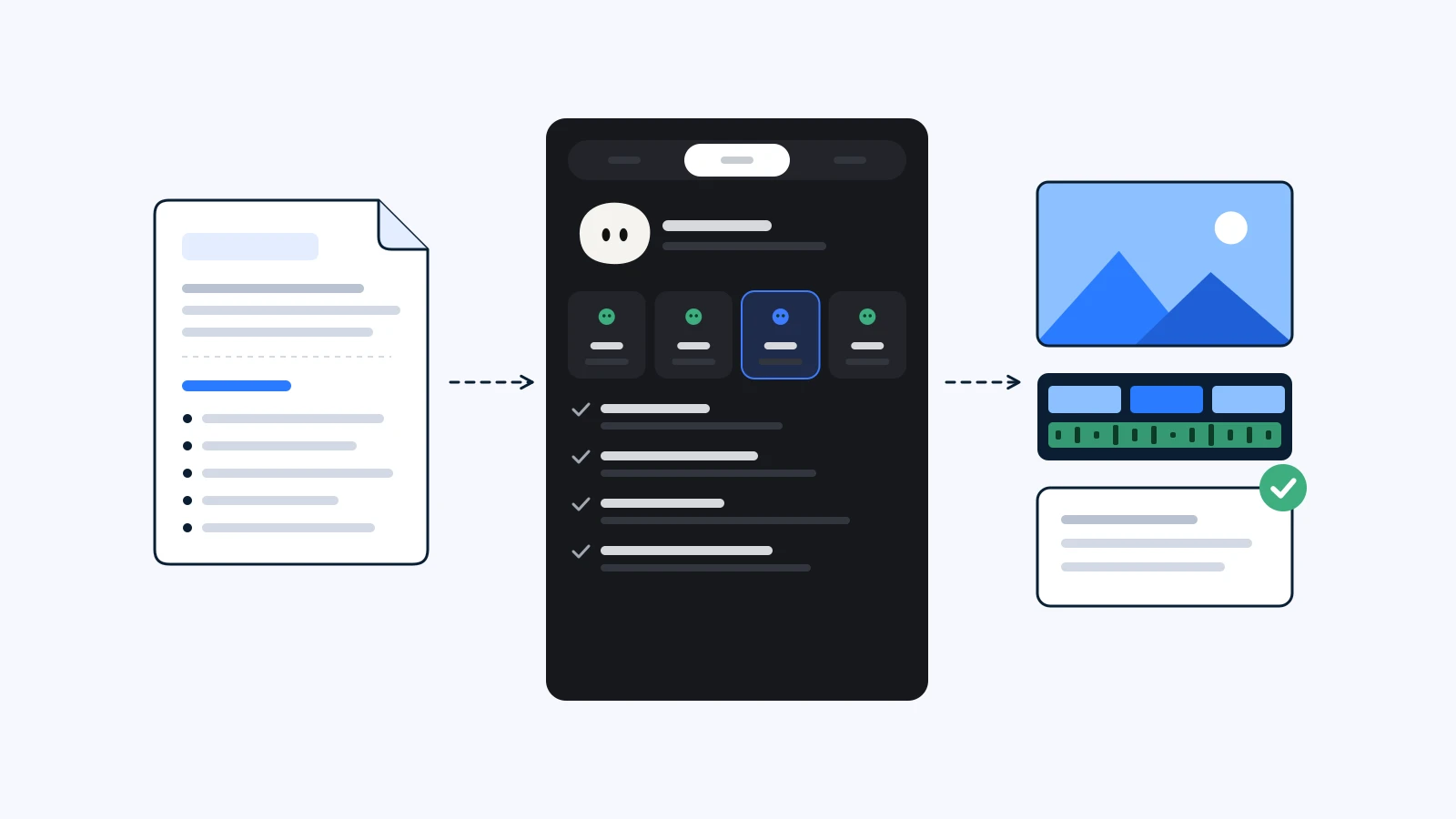
What is a skill? How YouViCo's AI Agent follows your playbook
A skill is a set of work instructions YouViCo's AI Agent follows. When it loads one, the four stages it runs, and how to write your own and share it with your team.
Read - Skills

Under the fan outfit change: a skill that turns one photo into a reel
The #underthefan reel where every ceiling fan blade swaps the outfit. Attach one skill file and one photo, and YouViCo's AI Agent makes the keyframes, clips, fan, transitions, music, and export.
Read - News

YouTube's Inauthentic Content Rule: What AI Channels Keep Human
YouTube's inauthentic content rule targets templated, mass-produced channels, not AI tools. What it says, four steps to keep human, and a checklist.
Read - How-to

How to Get Clean Korean Text in AI Images
Korean text in AI images often comes out garbled. Six prompt rules that reduce errors, and how to fix a single wrong character without regenerating.
Read
September 30
- Technical
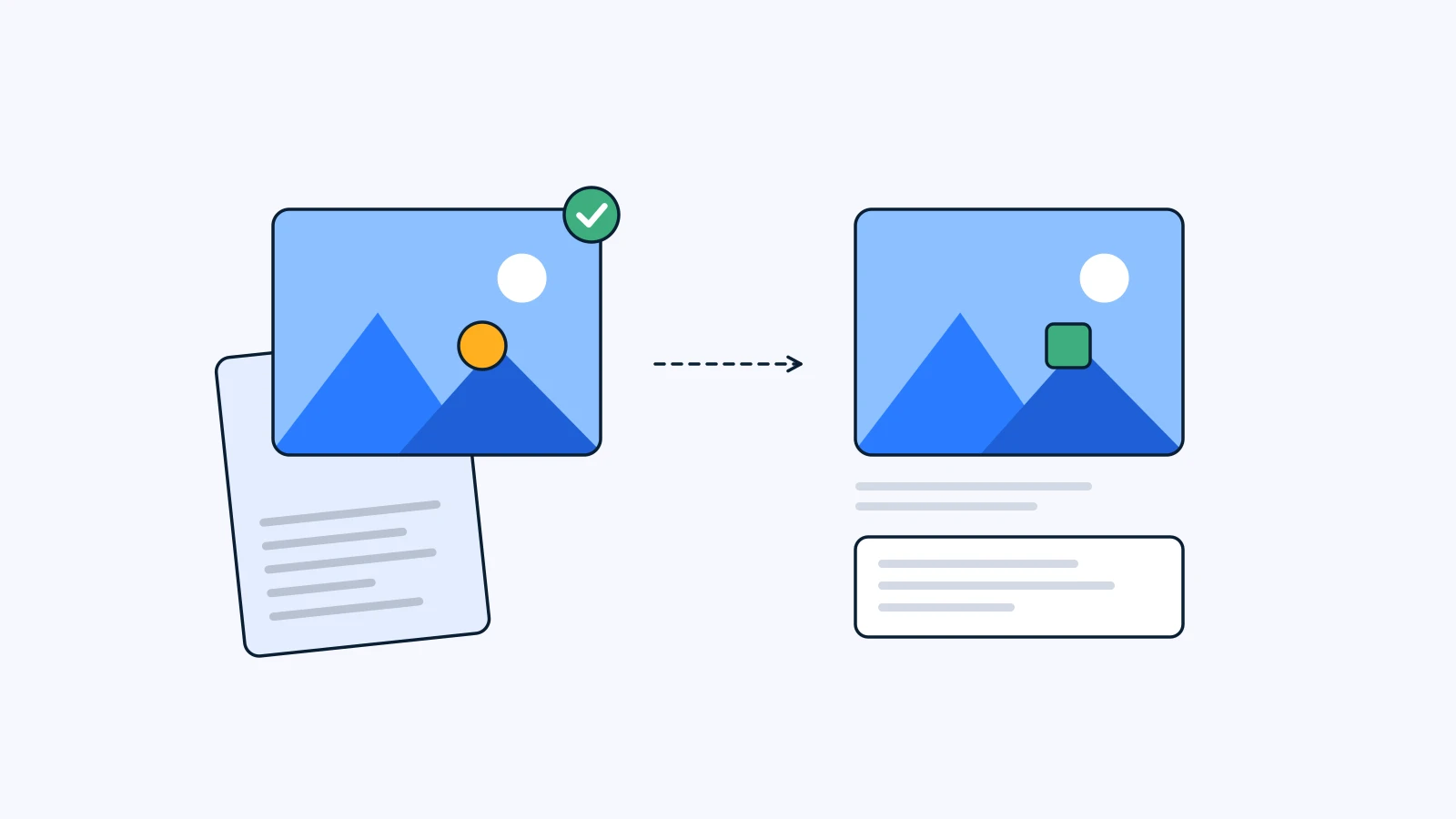
Make It Again: Use AI Generation Records to Continue a Series
Reproducible AI generation starts with a record, not memory. Keep the recipe on the approved file, then change only what's new in episode two.
Read - Prompts

AI dance challenge: your dog does Soyeon's “I'm Quitting” dance
Swap the dancer, room, and onlookers in Soyeon's viral “I'm Quitting” dance with file tags. Seedance 2.5 settings, the prompt, and the music.
Read - Glossary
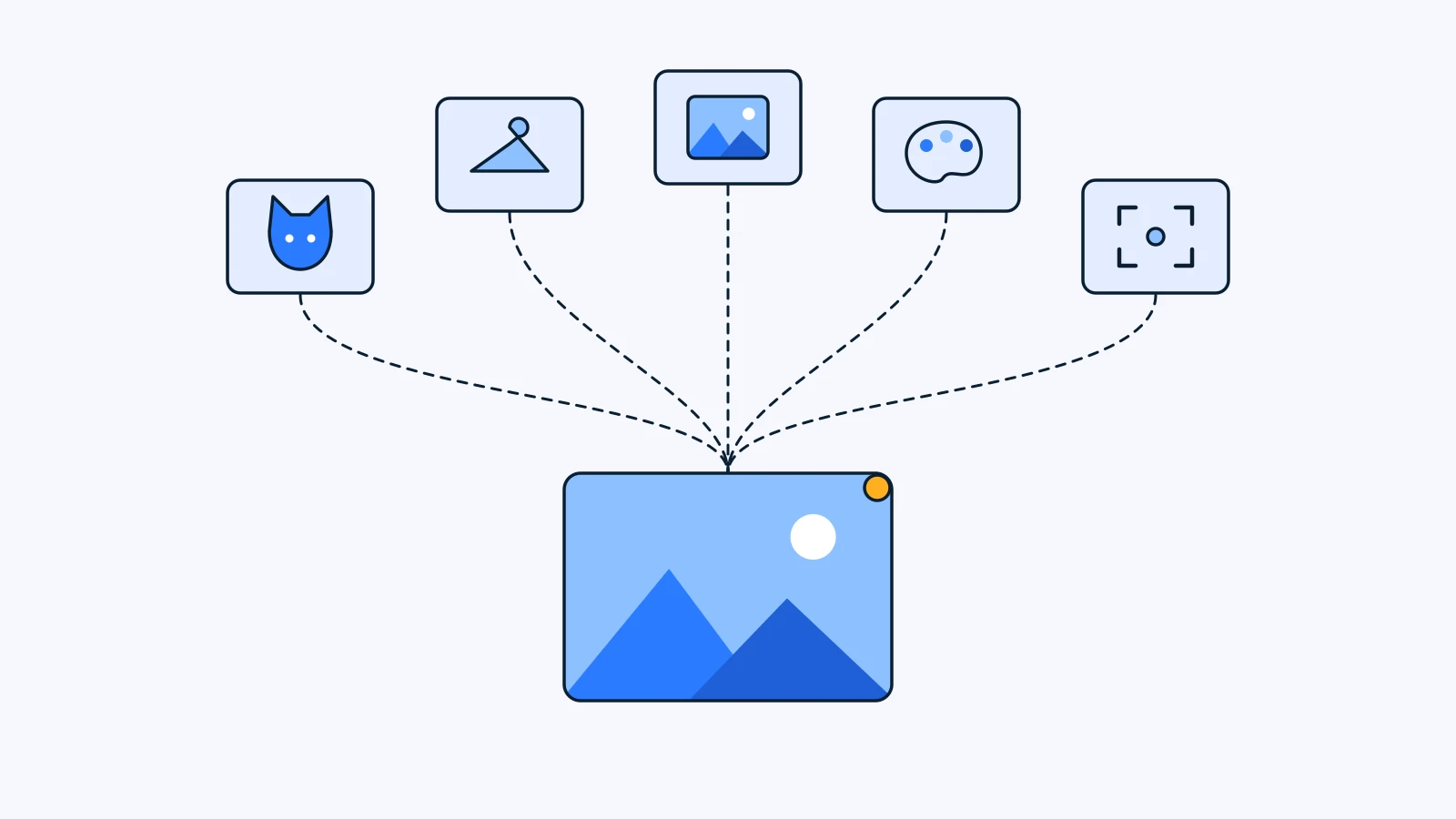
What Is a Reference Image? Choosing 5 References for AI
A reference image shows an AI model what words can't. How references differ from prompts, what carries over into the result, and how to pick five by role.
Read - How-to
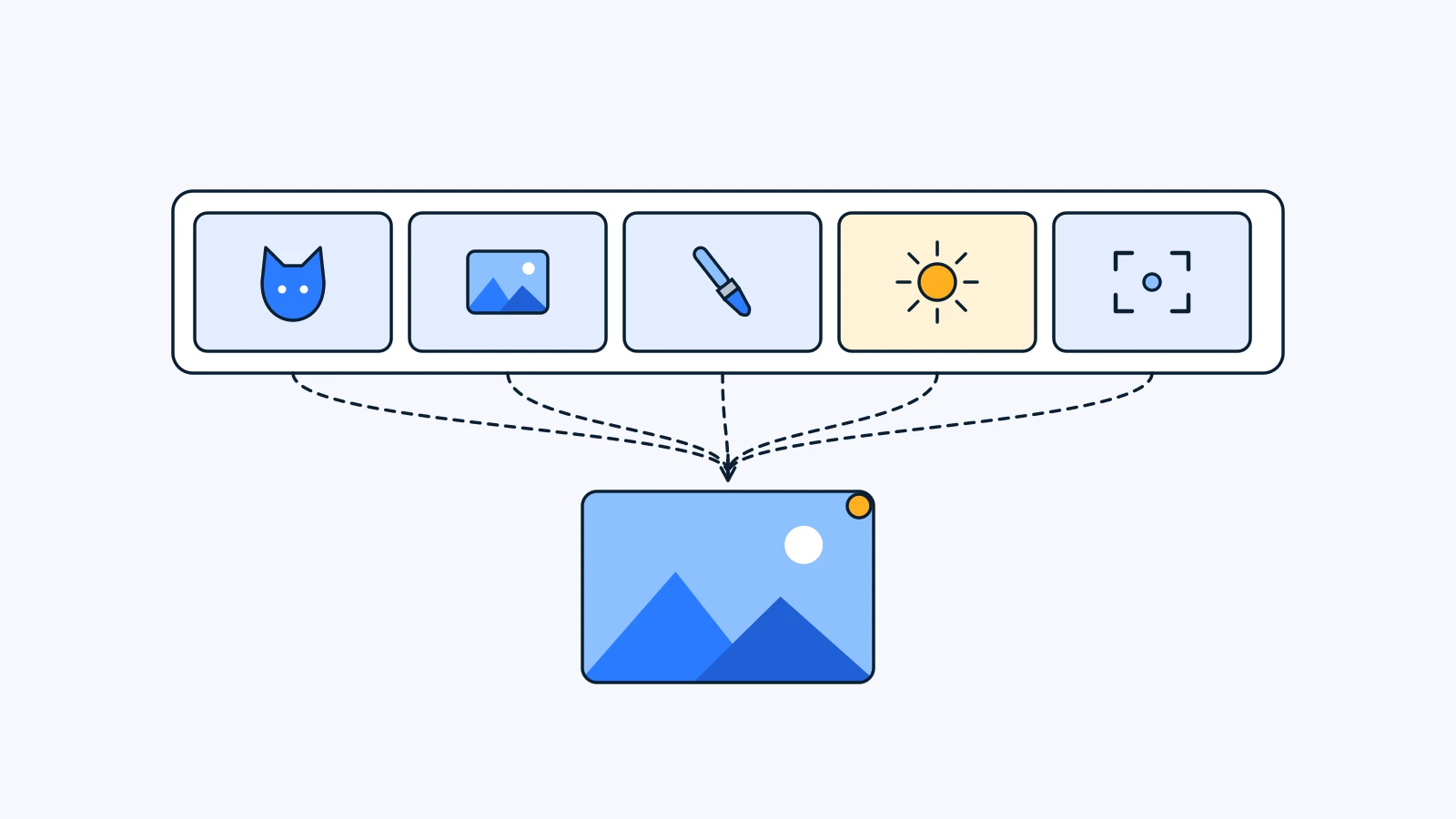
How to Write an AI Image Prompt: A Five-Slot Template
How to write an AI image prompt in five slots: subject, scene, style, light, framing. A copyable template, four real prompts split up, six mistakes.
Read - News
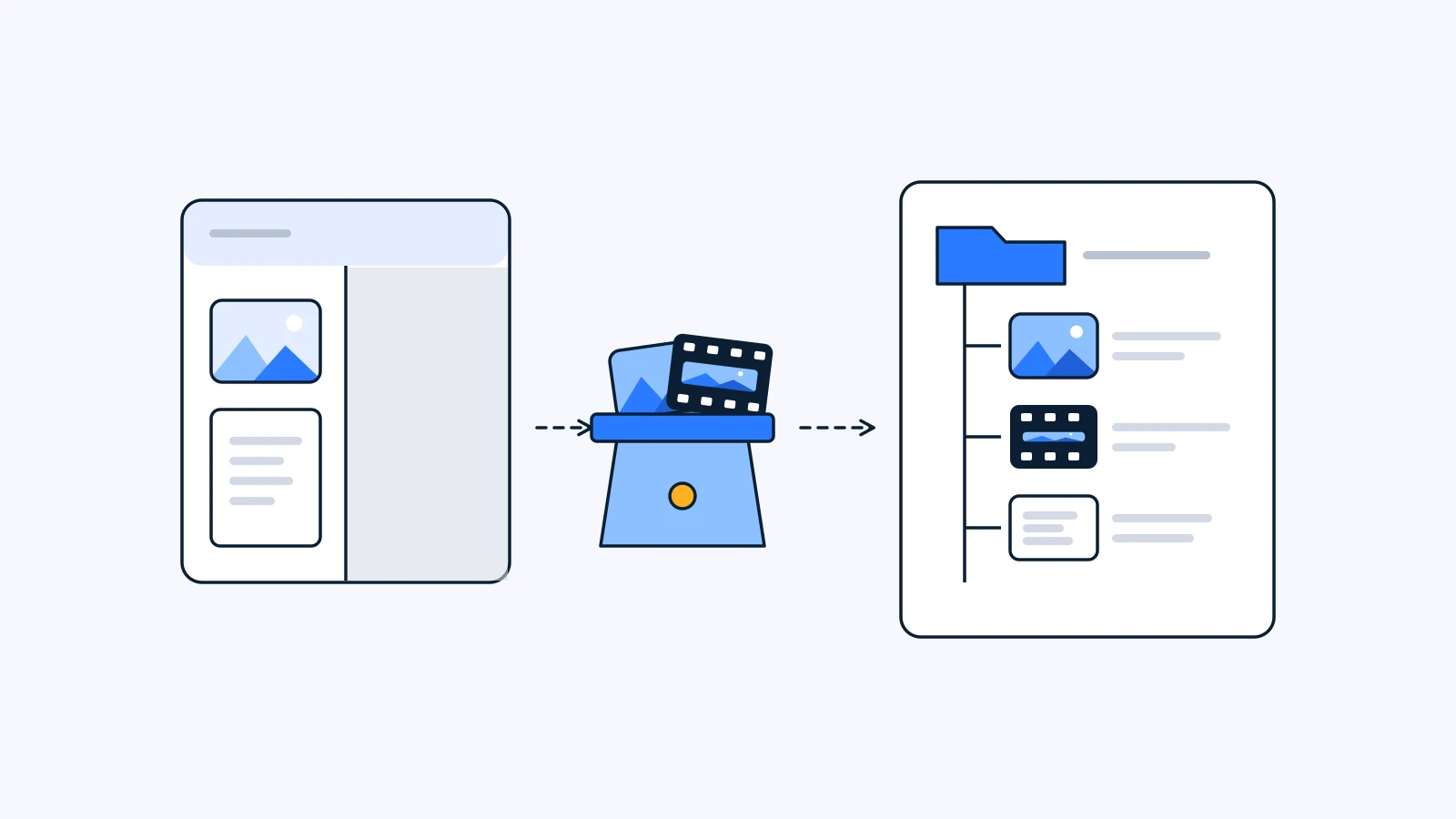
After the Sora Shutdown: 5 Things to Take With Your AI Video Work
The Sora shutdown is complete: the app closed April 26, the API September 24. Five things to gather before moving your AI video work, and what to re-test.
Read - Prompts

Everyone throw the yut! Four Chuseok game prompts for pets in hanbok
Holiday pocket money received, time to play. Four prompts that put your pet in hanbok and throw it, far too seriously, into kite flying, gonggi, jegichagi, and yutnori, like a scene from a Chuseok variety show.
Read - Prompts

I ended up inside grandma's mother-of-pearl cabinet: a folding-screen portrait prompt
One selfie, and you are inlaid in grandma's mother-of-pearl cabinet for good. A Chuseok portrait prompt that makes you the main figure of a lacquered screen with a full moon, cranes, and rabbits.
Read - Prompts

We took one photo and the cosmos came along: a retro studio portrait prompt
One photo with your pet, and the whole universe tagged along. A fully loaded 1980s-90s photo-studio composite prompt, with clouds, lasers, and a giant floating pet face.
Read - Prompts

What Wawa brought instead of an umbrella: an autumn maple-leaf wallpaper prompt
Like our youngest, who came back from a walk with a whole maple leaf. One pet photo becomes an autumn wallpaper of your pet holding a leaf as big as itself, like an umbrella.
Read - How-to

How to Review Spreadsheets and Docs Without Email Threads
Budgets, scripts and decks get feedback in scattered email threads. How to review XLSX, DOCX and PPTX files in the browser, with comments tied to the exact cell or page.
Read - Glossary
What Is Spot AI Image Editing? Change Just One Part
GlossaryWhat Is Spot AI Image Editing? Change Just One Part
Spot AI editing changes one area of an image from a short instruction and leaves the rest alone. How it works, and when to use it instead of regenerating.
Read - How-to
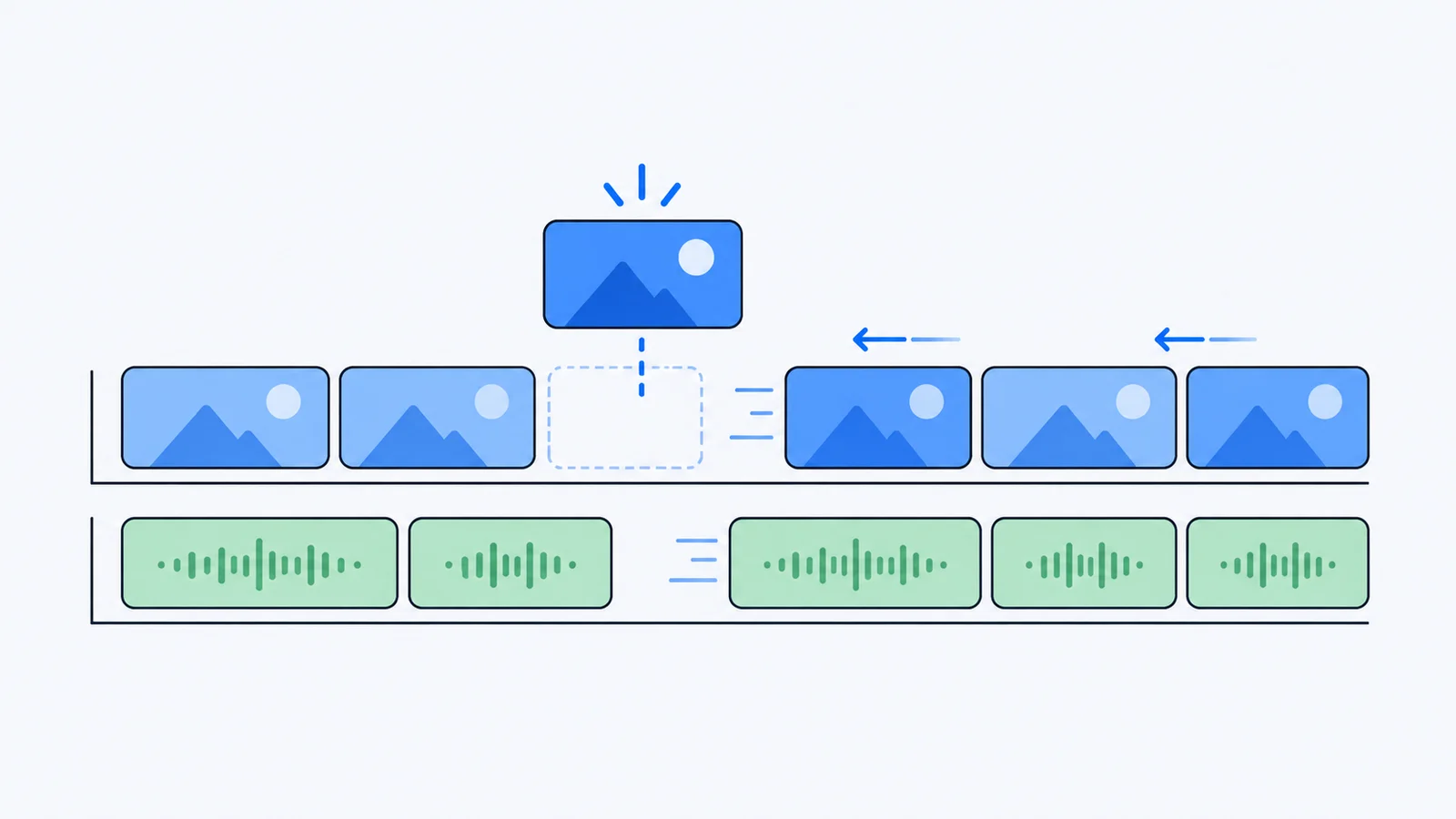
How to Ripple Edit in a Browser Video Editor
A ripple edit closes the gap when you delete or trim a clip. What ripple editing is, how it behaves on multi-track timelines, and how to use it in the browser.
Read - Glossary
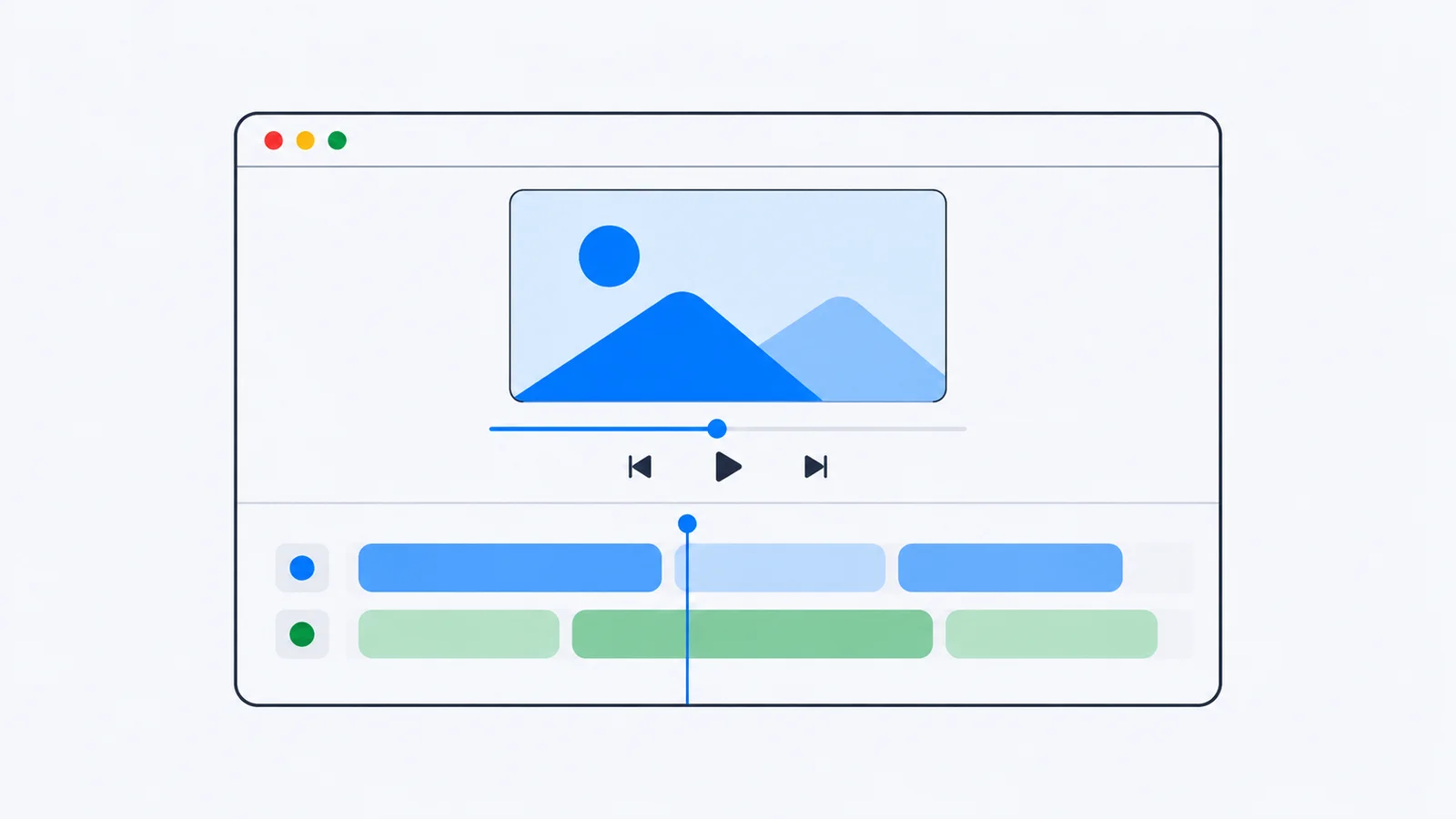
What Is Browser-Based Video Editing? Pros, Limits, Uses
Browser-based video editing lets you cut video in a web browser with no install. How it works, how it compares with desktop editors, and when it is the right tool.
Read - Glossary

What Is AI Video Generation? A Guide for Creative Teams
AI video generation turns text, images or existing footage into new video clips. How it works, the three main types, why generations fail, and where it fits in production.
Read - Technical
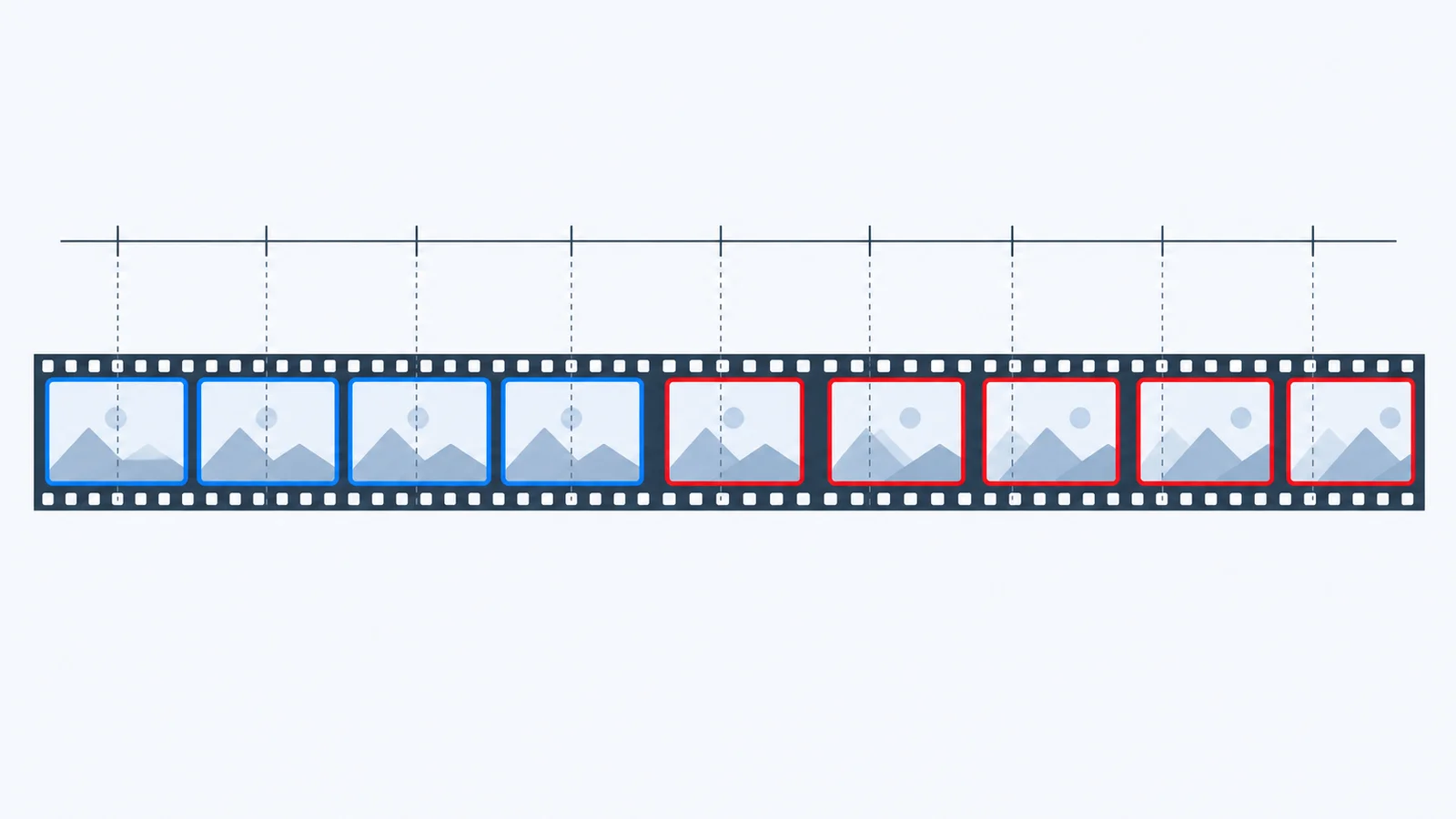
Why Frame Numbers Drift at 29.97fps in Video Review
A 29.97fps video counted as 30fps ends up 3.6 seconds off after an hour. Here's why frame numbers drift in video review tools and how to check yours.
Read - Prompts

No date set, but here is our wedding already: four prompts
One couple photo and you get wedding shots that look like a guest took them from their seat: straightening a bow tie, cutting the cake, cracking up at the same moment, and the near-trip.
Read - How-to
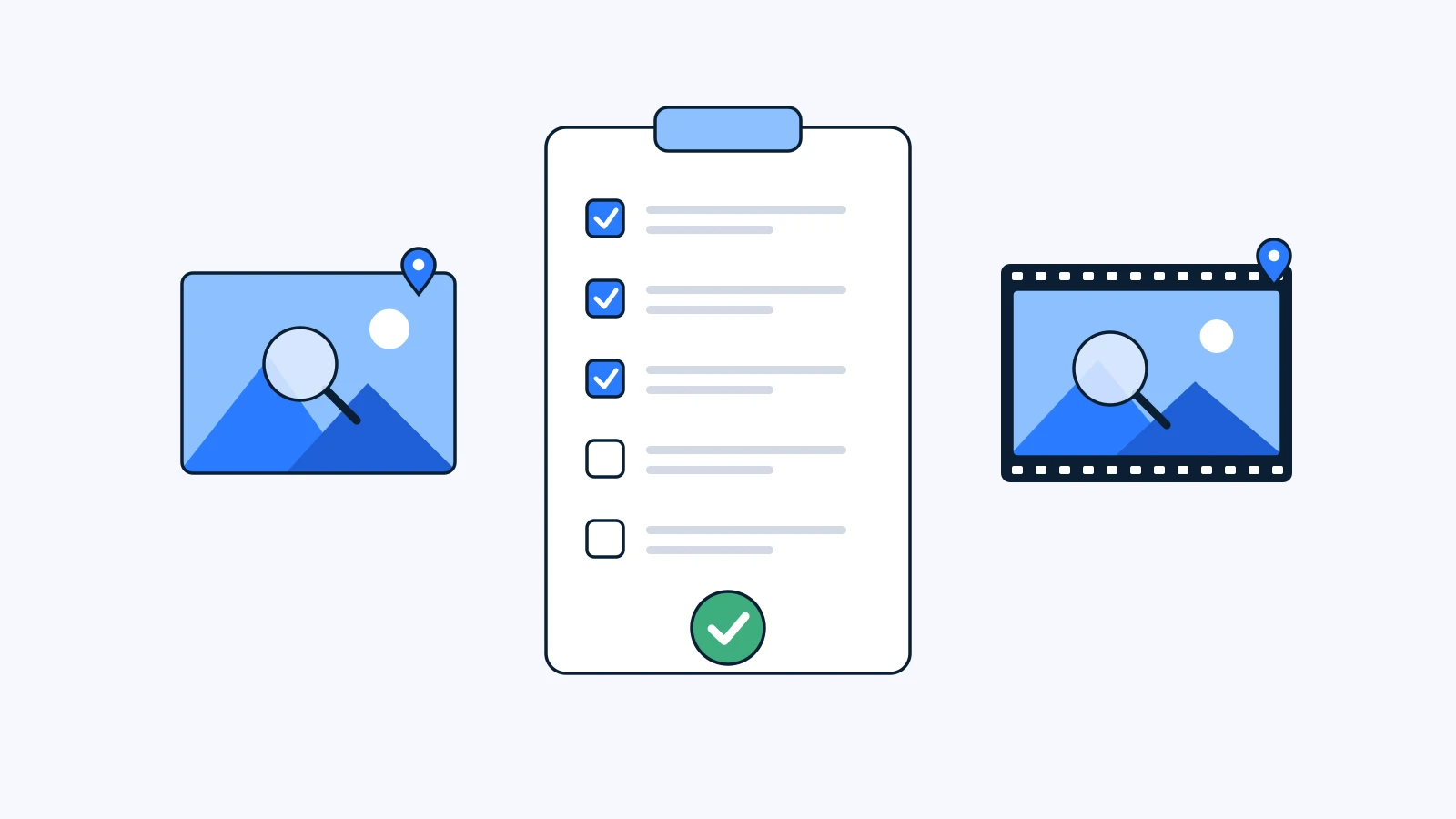
A 12-Point QA Checklist for AI-Generated Images and Video
An AI generated content QA checklist: 12 checks across form, text and brand, rights and context, plus who reviews what before AI images and video go out.
Read - Prompts

Breaking news! A giant version of your pet is loose downtown
One walk with your pet and the city is in chaos. A prompt that turns one photo into news-helicopter footage of a hundred-foot pet walking between skyscrapers.
Read - Prompts

Remake the STORM II crowd shot: swap the lead and the whole crowd with your own characters
The one-take crowd scene from STORM II that took over TikTok. With one green chroma-key template and two 16:9 character sheets you can replace the lead and every person in the crowd. Seedance 2.5 settings, the prompt, and how to put the music back.
Read - How-to

How to Write a Purchase Request for an AI Creative Tool
A software purchase request template in seven sections, with filled-in examples for an AI creative tool, cost-control wording and security questions.
Read - Glossary
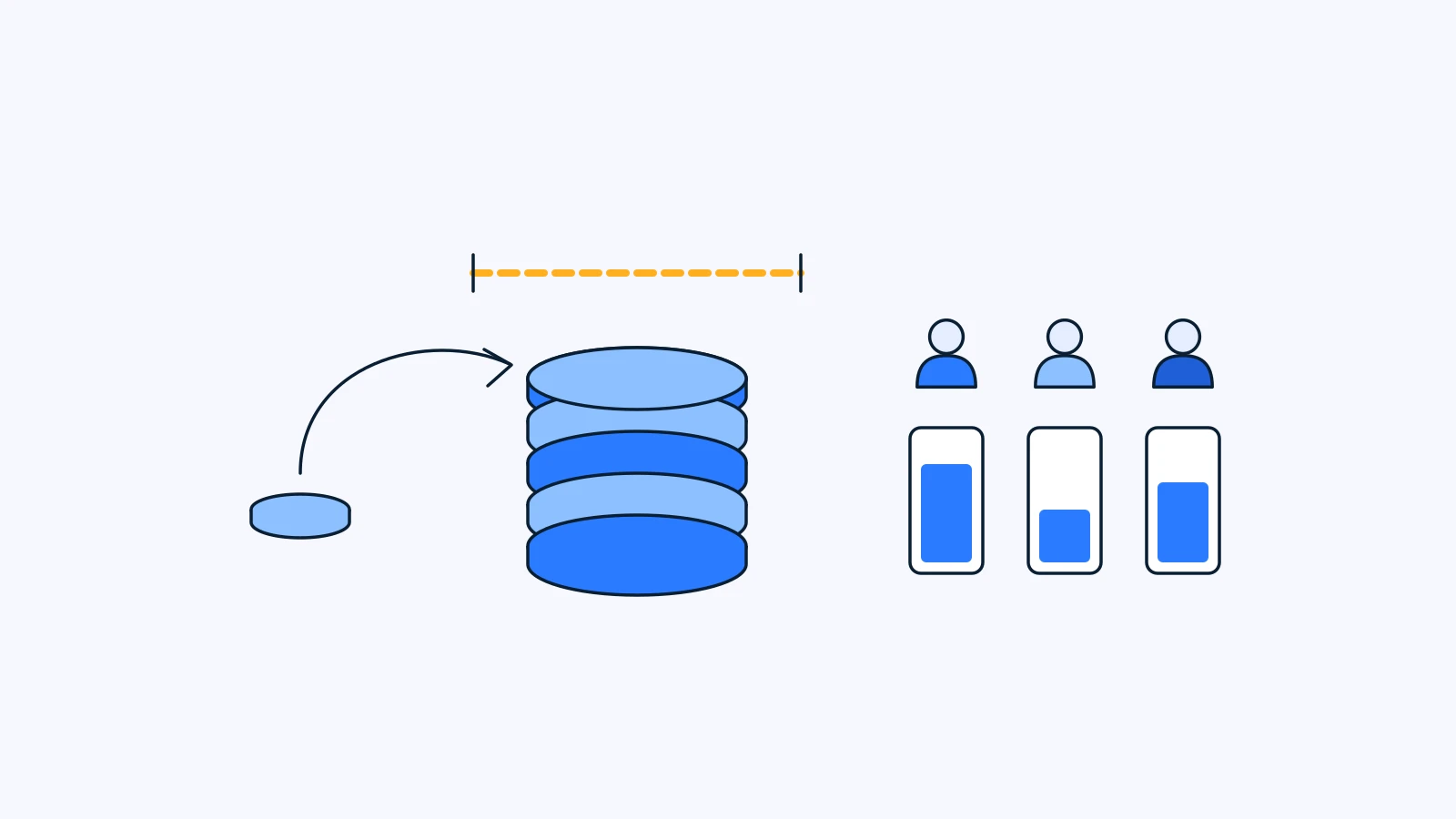
AI Generation Credits Explained: Reserve, Refund, Top Up, Limit
AI generation credits explained: when they are reserved, when a failed generation is refunded, how top-ups and member limits work, and how to use fewer.
Read - Comparison
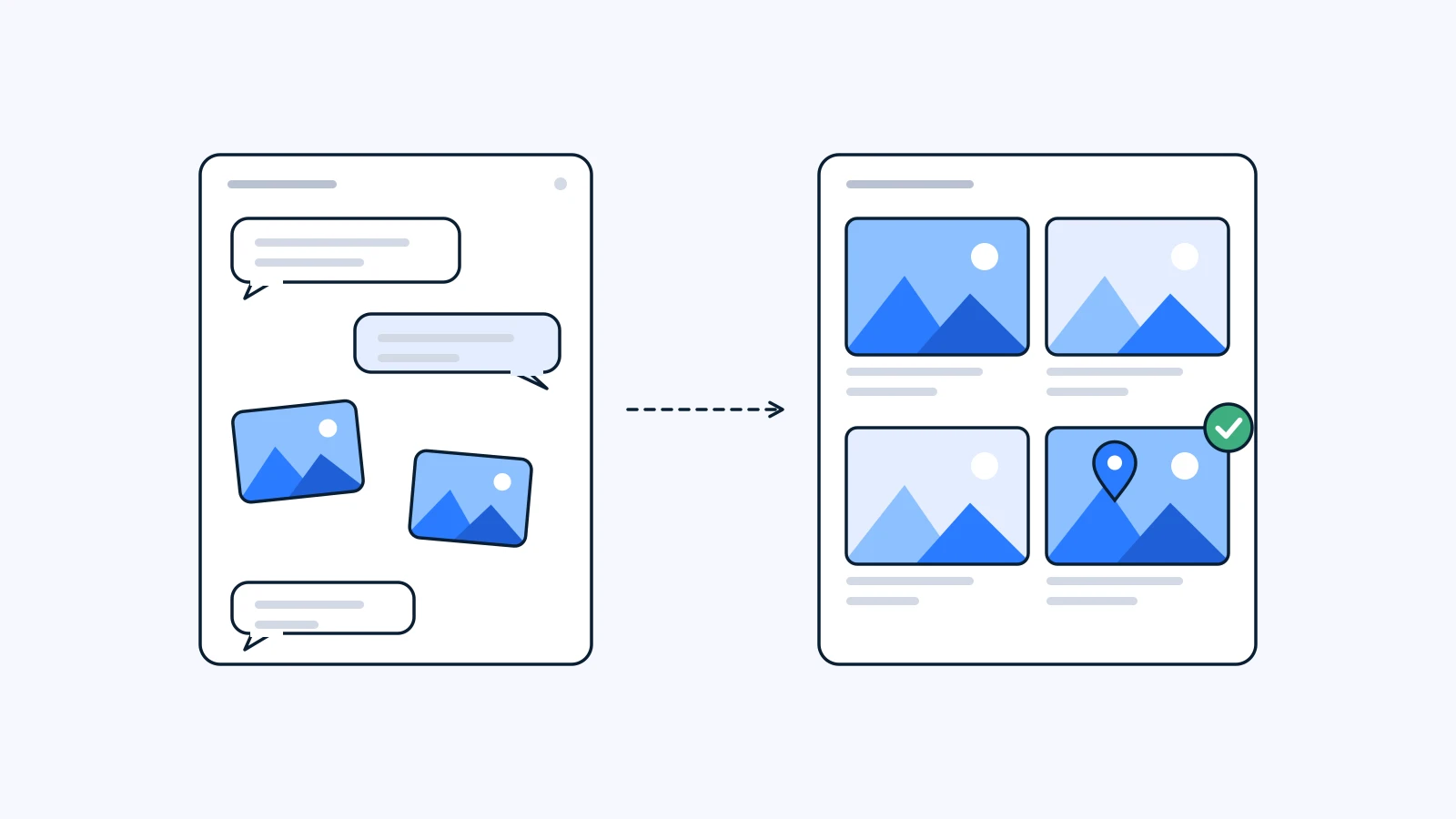
ChatGPT Images vs a Project: Where Team Feedback Should Live
ChatGPT image team feedback gets lost in group chats. Two ways to collect comments and approvals in one place without giving up the tools you already use.
Read - News
How AI generation in YouViCo is designed: your project is the prompt
NewsHow AI generation in YouViCo is designed: your project is the prompt
Generation lives inside the project, reads your files before it writes a pixel, shows a credit ceiling before you click, and returns a file your team can review like any other. The decisions behind YouViCo's built-in generation, and why.
Read - Prompts

It's autumn! A cosmos-field photo prompt for your pet
One walk photo in, and your pet is standing in the middle of a cosmos field. A prompt for a low-angle, phone-snapshot look with deep red cosmos and a big blue sky.
Read - Prompts

Caught digging a heart-shaped hole: a prompt for your pet
It went quiet for a moment, and there they were, caught digging a heart-shaped hole. A prompt for the view from the bottom of a sandy heart, in soft pastel tones, with your pet peering in.
Read - Prompts

Become the lead of a romance webtoon: a selfie prompt
One selfie in, and you are the lead of a romance webtoon. A prompt that draws you in vertical-webtoon panel staging, plus how to add speech bubbles afterwards in YouViCo's design editor.
Read - Prompts

Wait, I've seen this somewhere. Oh, it's our Louie
One photo in, and our Louie became the lead of an early-2000s Korean school drama. Copy the prompt and try it with a photo of your own dog.
Read - How-to
Cut a 30-second teaser from a long interview using the transcript
How-toCut a 30-second teaser from a long interview using the transcript
A copy-and-paste prompt for the YouViCo For Editor panel. It reads the transcript and your two-line brief, proposes three teaser cuts with timecodes, and builds the one you pick with ripple deletes and markers.
Read - How-to
Turn reviewer comments into a first revision pass inside Premiere Pro
How-toTurn reviewer comments into a first revision pass inside Premiere Pro
A copy-and-paste prompt for the YouViCo For Editor panel. It reads your synced review comments and transcript, groups the notes, and proposes a timecoded edit list you approve one by one.
Read - News
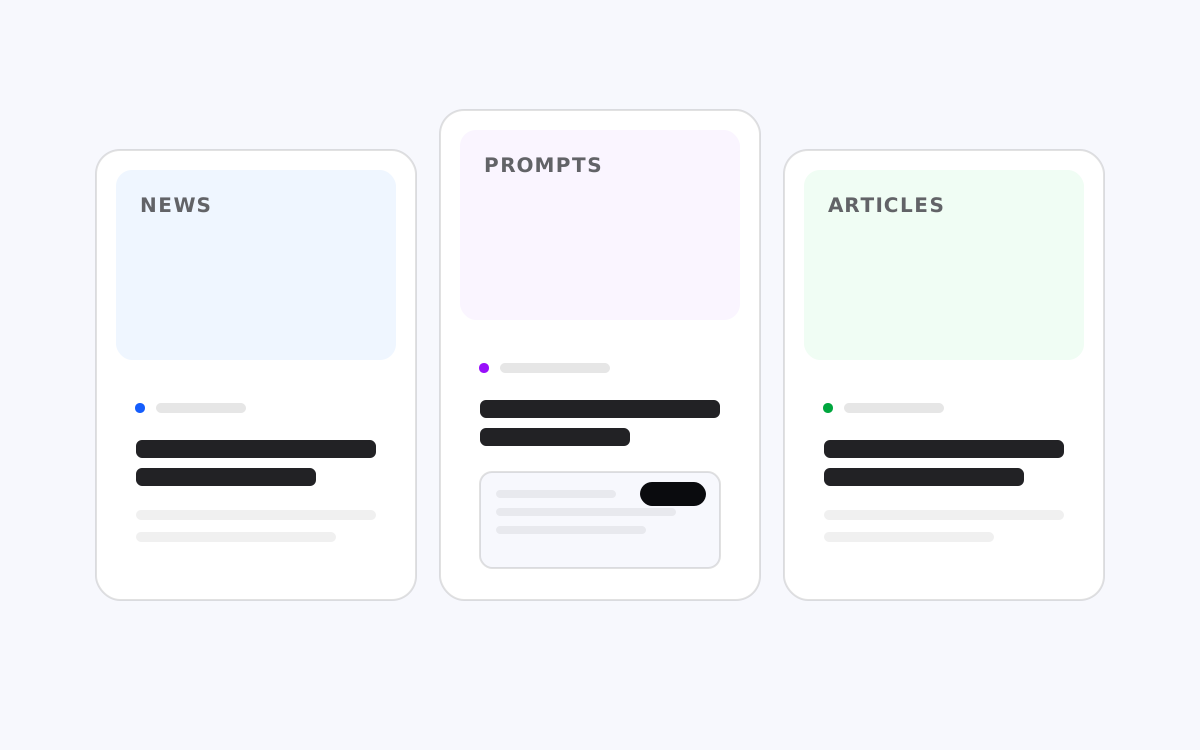
A new home for YouViCo news, prompts, and articles
The YouViCo Blog has a new look and three sections: News for product updates, Prompts for guides to YouViCo's built-in AI generation, and Articles for the how-tos, glossary, comparisons, and deep dives you already know.
Read
July 4
- Glossary
What is Remote Video Review? How Distributed Teams Collaborate
GlossaryWhat is Remote Video Review? How Distributed Teams Collaborate
Remote video review enables distributed teams to review and approve videos asynchronously without in-person meetings. Discover why hybrid work drives 67% adoption of specialized collaboration tools.
Read - Glossary
What is Video Review? Real-Time Collaboration for Video Teams
GlossaryWhat is Video Review? Real-Time Collaboration for Video Teams
Video review is real-time, collaborative feedback on video content. Learn how it differs from just watching and why it's critical for production teams.
Read - How-to
Video Collaboration in 2026: Market Trends and What's Next
How-toVideo Collaboration in 2026: Market Trends and What's Next
The $9B video collaboration market grew 16.8% in 2026. Here's what's driving adoption, who's winning, and where the creator economy is heading.
Read - Comparison
Wipster vs YouViCo: Video Review Platforms Compared for Creative Teams
ComparisonWipster vs YouViCo: Video Review Platforms Compared for Creative Teams
Compare Wipster and YouViCo for video feedback. See how YouViCo's version control and AI features stack up against Wipster's simpler workflow.
Read
June 12
- Technical
YouViCo Security: SOC2, GDPR, and Enterprise Protection
TechnicalYouViCo Security: SOC2, GDPR, and Enterprise Protection
Behind YouViCo's SOC2 Type II compliance, encryption standards, GDPR data handling, and SSO integration—how we built trust for enterprise video collaboration.
Read - How-to
The Creator Economy Needs Better Collaboration Tools
How-toThe Creator Economy Needs Better Collaboration Tools
The creator economy is $214B, but the tools haven't evolved. Here's why dedicated platforms matter more than patching Slack and Google Docs.
Read - How-to
How to Choose the Right Video Collaboration Tool for Your Team
How-toHow to Choose the Right Video Collaboration Tool for Your Team
Use this decision framework to evaluate video collaboration tools across team size, budget, features, integrations, and security requirements.
Read - Technical
How We Built Frame-Accurate Comments at YouViCo
TechnicalHow We Built Frame-Accurate Comments at YouViCo
Technical deep dive into building frame-accurate timestamped feedback for video review with precision challenges and solutions.
Read - How-to
How to Migrate from Frame.io to YouViCo: A Step-by-Step Guide
How-toHow to Migrate from Frame.io to YouViCo: A Step-by-Step Guide
A practical guide to migrating from Frame.io to YouViCo without losing assets, comments, or team momentum. Pre-migration checklist, step-by-step process, and a 30-day transition plan.
Read - Technical
How We Built Real-Time Collaboration at YouViCo
TechnicalHow We Built Real-Time Collaboration at YouViCo
WebSocket architecture, presence indicators, comment sync, and conflict resolution for real-time video review with multiple users.
Read - Comparison
Notion vs YouViCo for Video Workflows: Database Management vs Feedback
ComparisonNotion vs YouViCo for Video Workflows: Database Management vs Feedback
Compare Notion and YouViCo for video collaboration. Notion is a database tool; YouViCo is a feedback tool. Learn which fits your workflow.
Read - How-to
How to Give Effective Video Feedback Editors Understand
How-toHow to Give Effective Video Feedback Editors Understand
Master the art of video feedback with 6 principles: be specific with timestamps, use visual annotations, separate subjective from objective feedback, prioritize changes, and set deadlines.
Read - How-to
How to Use AI Inside Premiere Pro Without Leaving Your Timeline
How-toHow to Use AI Inside Premiere Pro Without Leaving Your Timeline
A step-by-step guide to running AI chat, comment sync, and natural-language edits inside Premiere Pro—using your own AI subscription, no extra billing.
Read - Glossary
What Is an AI Video Editing Assistant? A Guide for Editors
GlossaryWhat Is an AI Video Editing Assistant? A Guide for Editors
An AI video editing assistant works inside your editor to chat, sync feedback, and run edits from plain language. Here's what it is and how it works.
Read - Comparison
Google Drive vs YouViCo for Video Review: Why General Tools Fall Short
ComparisonGoogle Drive vs YouViCo for Video Review: Why General Tools Fall Short
Compare Google Drive and YouViCo for video feedback. Learn why specialized tools matter for video collaboration.
Read - Technical
How We Built an AI Assistant That Lives Inside Premiere Pro
TechnicalHow We Built an AI Assistant That Lives Inside Premiere Pro
The engineering behind YouViCo For Editor: a CEP panel that brings your own AI into Premiere, syncs comments to markers, and runs edits from natural language.
Read
May 13
- How-to
How to Manage Client Video Approvals Without Email Chaos
How-toHow to Manage Client Video Approvals Without Email Chaos
A practical guide for video teams: define approval criteria, gather timestamped feedback, version-control cuts, and close out client video approvals cleanly.
Read - Comparison
Best Video Collaboration Tools for Creative Teams in 2026
ComparisonBest Video Collaboration Tools for Creative Teams in 2026
The video collaboration market is now $9B+. Discover the top tools for remote teams, agencies, and content creators managing projects in 2026.
Read - How-to
Why the Future of Video Editing Is AI Inside Your Tools
How-toWhy the Future of Video Editing Is AI Inside Your Tools
AI is moving from a separate browser tab into the editor itself. Here's why in-tool AI—not standalone generators—is the real shift for video teams.
Read - Comparison
Dropbox Replay vs YouViCo: Video Feedback Tools Head-to-Head
ComparisonDropbox Replay vs YouViCo: Video Feedback Tools Head-to-Head
Compare Dropbox Replay and YouViCo for video collaboration. See which offers better feedback and approval workflows.
Read - How-to
From Production Pain to Platform: Why We Built YouViCo
How-toFrom Production Pain to Platform: Why We Built YouViCo
ELBA Corp's CEO Juwon Gu built YouViCo to solve real pain: managing 140+ ad campaigns with feedback scattered across KakaoTalk, email, and Slack. The origin story of a B2B platform born from internal necessity.
Read - Technical
How We Built Shapy AI for Video Collaboration
TechnicalHow We Built Shapy AI for Video Collaboration
Inside YouViCo's Shapy AI: ML pipeline for auto-transcription, intelligent feedback summarization, and suggested review points in video collaboration.
Read - Technical
How We Built Drawing Feedback Tools for Video Review
TechnicalHow We Built Drawing Feedback Tools for Video Review
Canvas rendering, pen/shape tools, coordinate mapping across resolutions, and frame synchronization for video-based drawing annotations.
Read - Comparison
Frame.io vs YouViCo: Which Video Collaboration Tool Fits Your Team in 2026?
ComparisonFrame.io vs YouViCo: Which Video Collaboration Tool Fits Your Team in 2026?
Compare Frame.io (Adobe's solution) vs YouViCo for video review. Learn which platform offers better real-time collaboration, AI features, and pricing.
Read - Technical
How We Designed Workspace Connect for Cross-Team Collaboration
TechnicalHow We Designed Workspace Connect for Cross-Team Collaboration
Multi-tenant architecture for sharing projects across organizations with permission modeling, data isolation, and shared workspace management.
Read - Technical
How We Built Secure Guest Access Without Login at YouViCo
TechnicalHow We Built Secure Guest Access Without Login at YouViCo
Exploring YouViCo's token-based guest access architecture: how we enable seamless collaboration without login friction while maintaining enterprise-grade security.
Read - How-to
How to Streamline Your Video Review Process in 5 Steps
How-toHow to Streamline Your Video Review Process in 5 Steps
A practical 5-step framework to reduce video review time by 30%: centralize feedback, use timestamps, set approval stages, automate notifications, and track versions.
Read - Comparison
Vimeo Review vs YouViCo: Which Video Feedback Tool Is Right for You?
ComparisonVimeo Review vs YouViCo: Which Video Feedback Tool Is Right for You?
Compare Vimeo Review and YouViCo. Understand which platform suits your workflow better.
Read - Glossary
What is Video Project Management? From Brief to Publish
GlossaryWhat is Video Project Management? From Brief to Publish
Video project management is the discipline of organizing teams, timelines, and assets through the complete production lifecycle. Discover the 7 stages that separate amateur workflows from professional studios.
Read
April 14
- Glossary
What is a Video Approval Workflow? Streamlining Sign-offs
GlossaryWhat is a Video Approval Workflow? Streamlining Sign-offs
A video approval workflow is the process stakeholders follow to review, approve, or reject edits. Learn the stages, bottlenecks, and how to streamline sign-offs.
Read - Glossary
What is Version Control for Video? Managing Revisions Without Chaos
GlossaryWhat is Version Control for Video? Managing Revisions Without Chaos
Video version control tracks edits and iterations (Approved/Rejected/Needs Update). Learn how it differs from code versioning and why it matters for production teams.
Read - How-to
How to Integrate Video Review with Slack for Real-Time Alerts
How-toHow to Integrate Video Review with Slack for Real-Time Alerts
Keep your team connected with instant Slack notifications when videos need review, reducing context-switching and improving approval speed.
Read - How-to
How to Reduce Video Revision Rounds by 50%
How-toHow to Reduce Video Revision Rounds by 50%
Cut revision cycles in half using clear briefs, frame-accurate feedback, approval workflows, and visual annotations. Data shows teams using timestamped feedback reduce rounds by 40-60%.
Read - How-to
How to Manage Multiple YouTube Channels with Collaboration Tools
How-toHow to Manage Multiple YouTube Channels with Collaboration Tools
Streamline your multi-channel strategy with efficient review workflows, content calendars, and version management across all platforms.
Read - Comparison
Slack vs YouViCo for Video Feedback: Why Chat Apps Aren't Enough
ComparisonSlack vs YouViCo for Video Feedback: Why Chat Apps Aren't Enough
Compare Slack and YouViCo for video feedback. Learn why chat is scattered but YouViCo is structured.
Read - Technical
The Future of AI in Video Production: Feedback to Final Cut
TechnicalThe Future of AI in Video Production: Feedback to Final Cut
AI is transforming video production: transcription, feedback summarization, automated QA, color grading suggestions. Here's how YouViCo and partners are leading the shift.
Read - Glossary
What is Workspace Connect? Team Communication Made Simple
GlossaryWhat is Workspace Connect? Team Communication Made Simple
Workspace Connect allows teams to share updates directly in Slack, Teams, or Discord without context-switching. Learn how it centralizes video collaboration.
Read - Comparison
Monday.com vs YouViCo: Project Management vs Dedicated Video Collaboration
ComparisonMonday.com vs YouViCo: Project Management vs Dedicated Video Collaboration
Compare Monday.com and YouViCo for video workflows. Learn why specialized video tools beat generic PM platforms.
Read - How-to
How to Manage Ad Campaign Video Approvals at Scale
How-toHow to Manage Ad Campaign Video Approvals at Scale
Coordinate multi-stakeholder approvals for 100+ campaigns yearly with version tracking, deadline management, and legal compliance integration.
Read - How-to
How to Set Up a Video Collaboration Workflow for Your Team
How-toHow to Set Up a Video Collaboration Workflow for Your Team
Complete setup guide: define roles, choose tools, establish review stages, set naming conventions, integrate with Slack/PM tools. Get your team organized in 1 hour.
Read - How-to
Why Ad Agencies Need Dedicated Video Collaboration Platforms
How-toWhy Ad Agencies Need Dedicated Video Collaboration Platforms
Ad agencies manage dozens of clients, complex approval chains, and brand guidelines. Slack and email don't cut it. Here's why YouViCo exists for agencies.
Read - How-to
How to Run Video Production Remotely Without Losing Quality
How-toHow to Run Video Production Remotely Without Losing Quality
Master async feedback, timezone management, mobile review, and clear documentation to maintain video quality in distributed creative teams.
Read - Comparison
Ziflow vs YouViCo: Online Proofing Tools Compared for Video Teams
ComparisonZiflow vs YouViCo: Online Proofing Tools Compared for Video Teams
Compare Ziflow (design+video proofing) vs YouViCo for video collaboration. See which is better for video-focused teams.
Read
March 13
- How-to
Video Feedback Best Practices from Managing 6 YouTube Channels
How-toVideo Feedback Best Practices from Managing 6 YouTube Channels
ELBA Corp manages 6 YouTube channels and 140+ ad campaigns. Here are the real lessons learned: timestamp everything, separate feedback types, batch reviews, and track revisions.
Read - How-to
Enterprise Video Collaboration: Security, Scale, and Workflows
How-toEnterprise Video Collaboration: Security, Scale, and Workflows
Enterprise teams need SSO, RBAC, audit logs, and 99.9% uptime. Consumer tools fail at enterprise scale. Here's what real enterprise video collaboration requires.
Read - Comparison
Filestage vs YouViCo: Which Approval Tool Should You Choose?
ComparisonFilestage vs YouViCo: Which Approval Tool Should You Choose?
Compare Filestage and YouViCo for content approval workflows. See which platform better serves video teams.
Read - How-to

How to Onboard Clients to Video Review in Minutes
Guest access, no login required. Share a link, clients start reviewing in 30 seconds. Reduce onboarding friction and accelerate approval cycles.
Read - Glossary

What is Video Collaboration? A Complete Guide for Content Teams
Video collaboration is how teams review, give feedback on, and approve video content together. Learn how it works, why it matters, and which tools content teams actually use in 2026.
Read - How-to
How to Build a Video Feedback Culture in Your Creative Team
How-toHow to Build a Video Feedback Culture in Your Creative Team
Transform your team's communication with structured video feedback practices, clear expectations, and a culture that values constructive critique.
Read - How-to
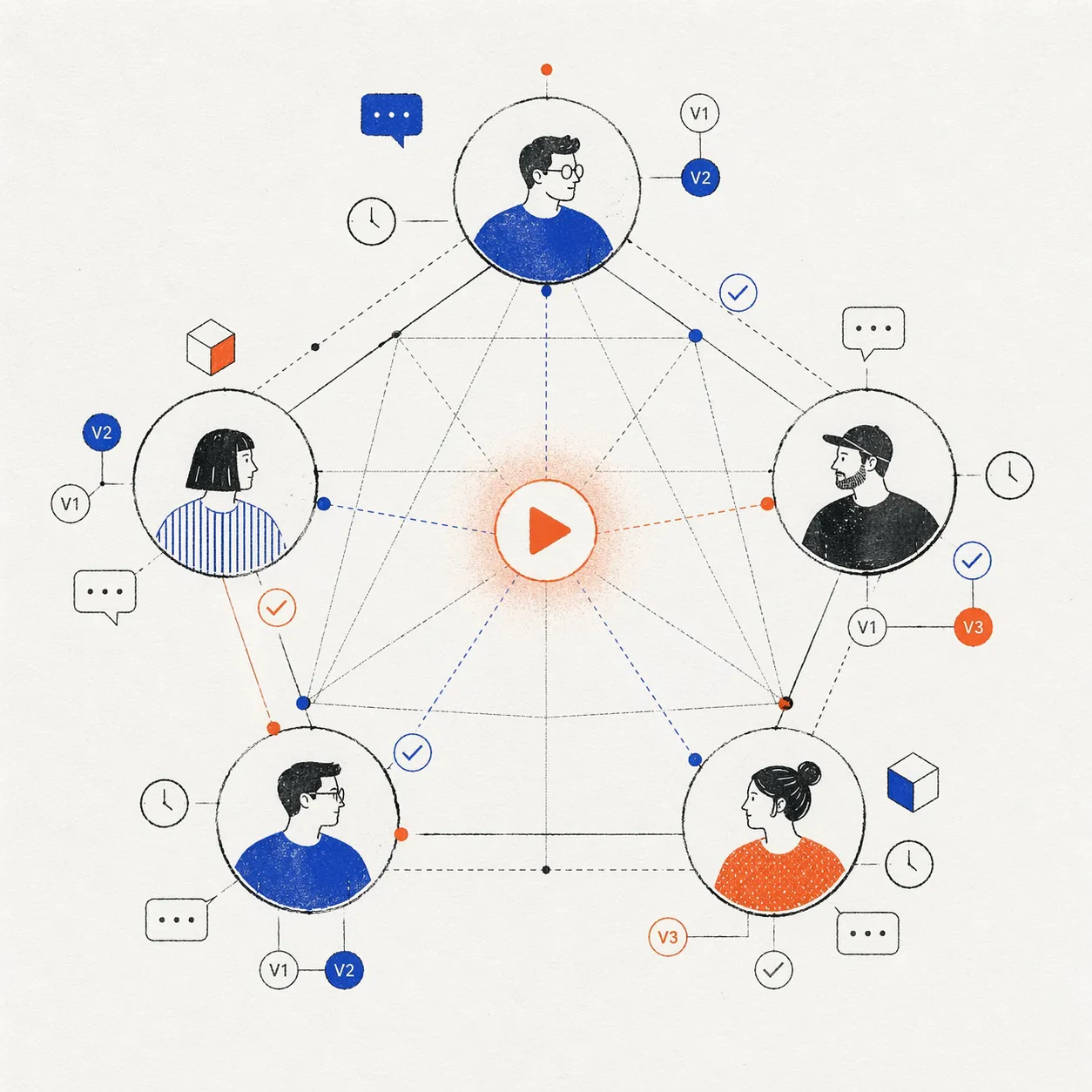
What is Creative Collaboration? A Guide for Modern Content Teams
Creative collaboration is how teams of designers, editors, directors, and creators work together on shared projects. Learn frameworks, tools, and best practices.
Read - Glossary
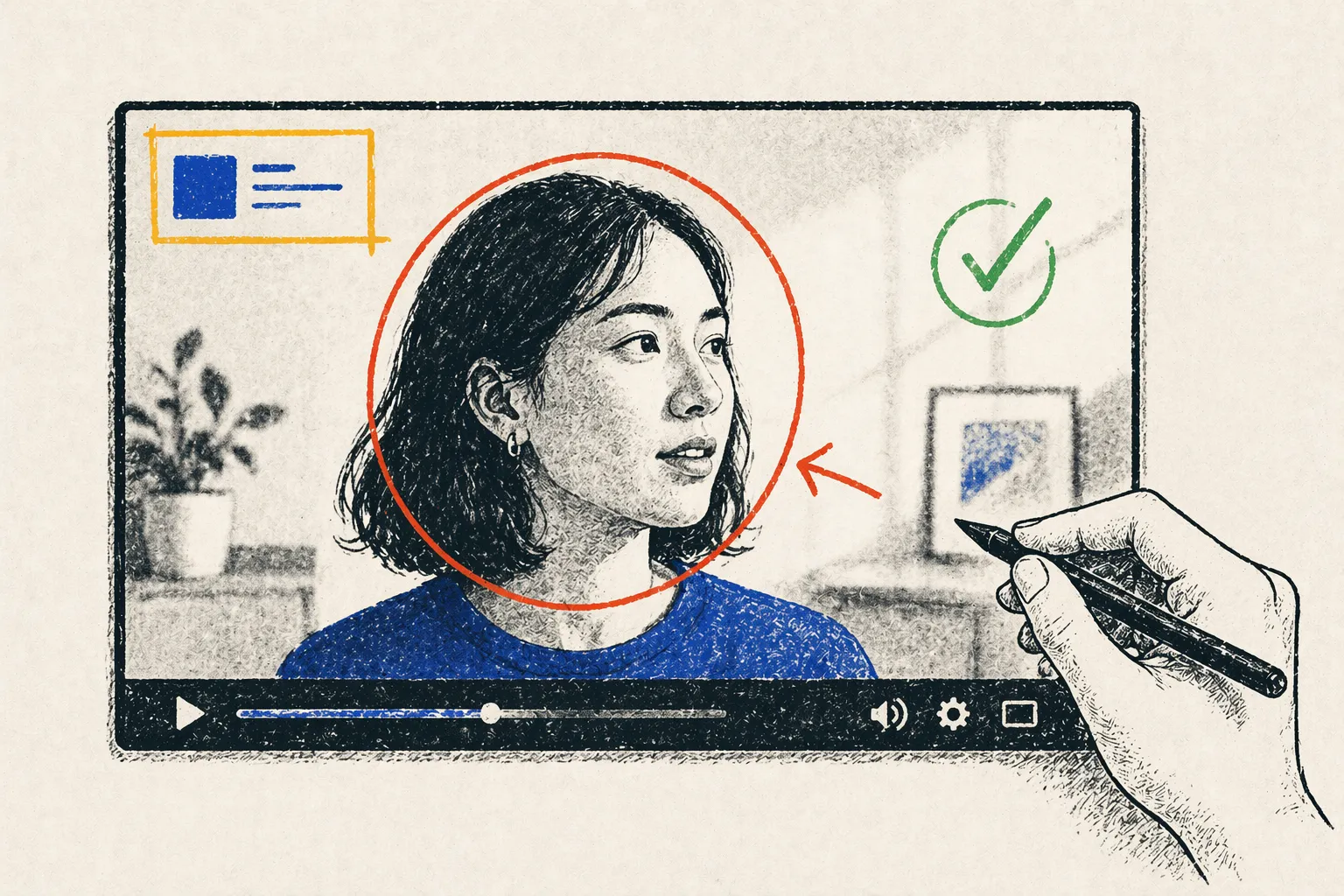
What is Visual Feedback for Video? Annotating Directly on Video
Visual feedback is annotated comments directly on a video frame—arrows, shapes, text overlays. Learn why it's critical for video collaboration.
Read - Comparison
5 Best Frame.io Alternatives for Video Teams in 2026
Comparison5 Best Frame.io Alternatives for Video Teams in 2026
Discover the top Frame.io alternatives for video collaboration. Compare YouViCo, Wipster, Ziflow, Filestage, and Vimeo Review on pricing, features, and team workflows.
Read - Glossary
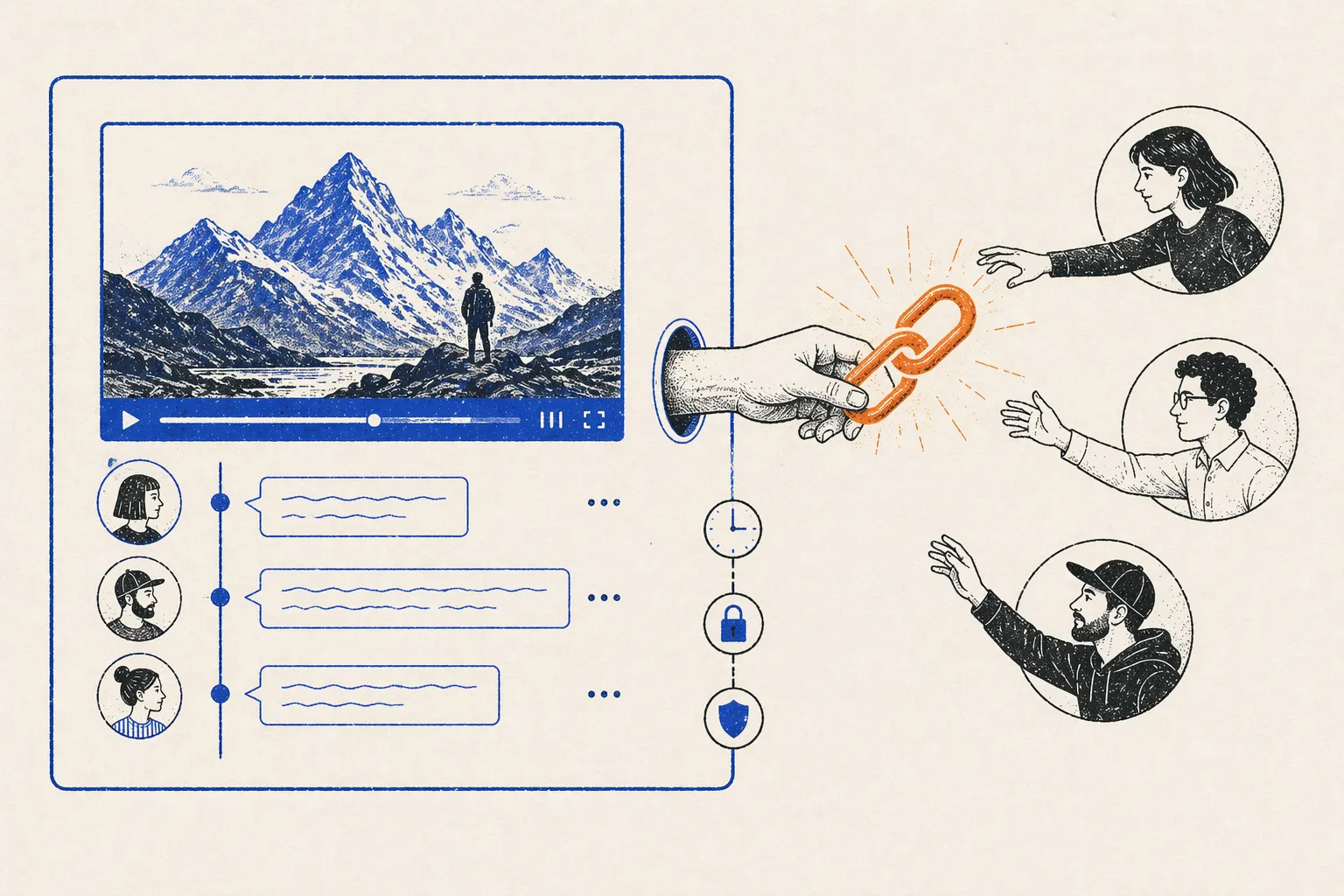
What is Guest Access? How Stakeholders Review Video Securely
Guest access lets external stakeholders review videos without signing up for an account. Learn how it works, why it matters, and security best practices.
Read - Technical
What is AI-Powered Video Feedback? How ML Improves Reviews
TechnicalWhat is AI-Powered Video Feedback? How ML Improves Reviews
AI-powered video feedback uses machine learning to auto-transcribe dialogue, analyze scenes, and surface patterns in reviewer comments. Discover how it accelerates feedback cycles by 40%.
Read - Glossary
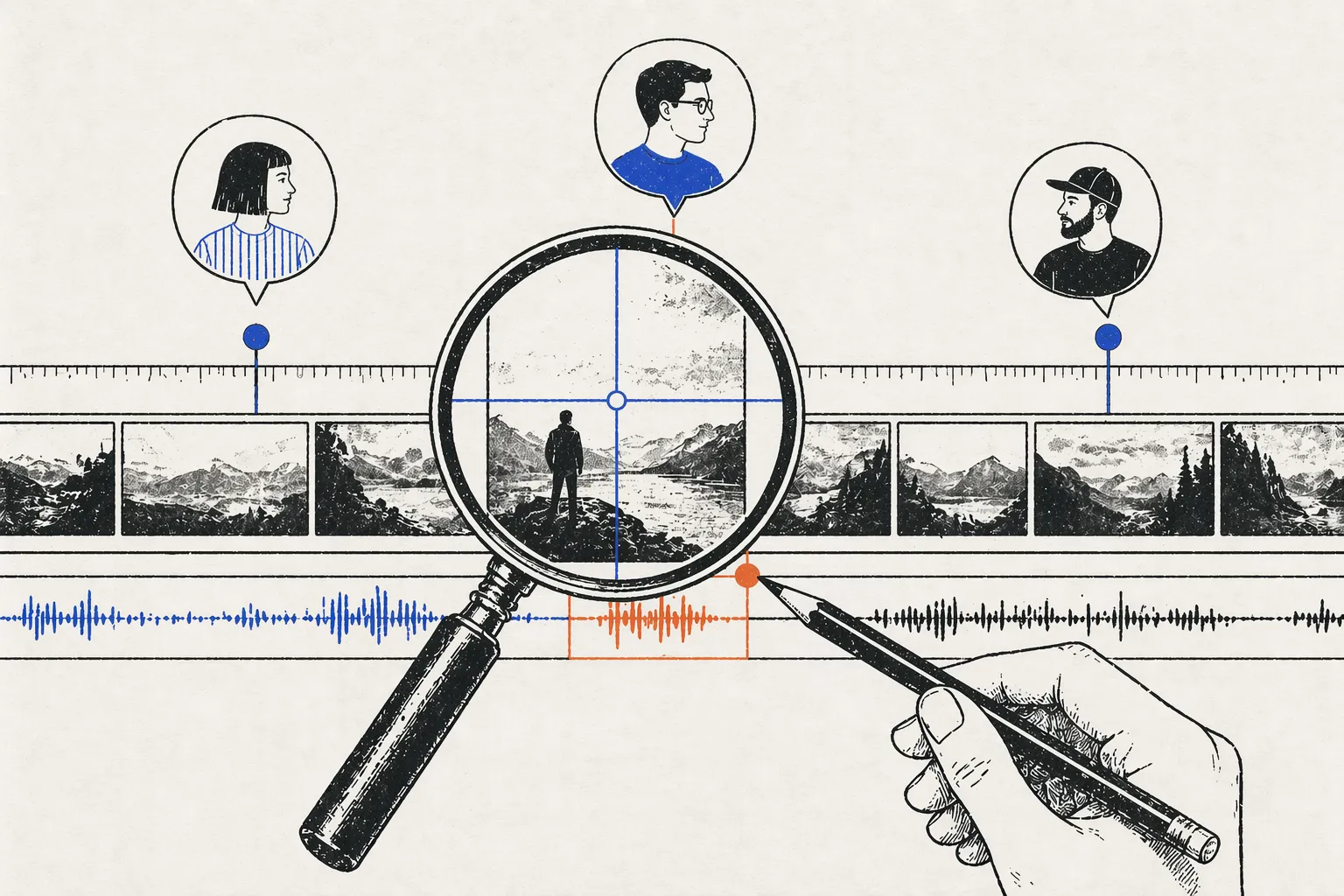
What is Timestamped Feedback? Why Frame-Accurate Comments Matter
Timestamped feedback links comments to exact frames in video, eliminating confusion and reducing revision rounds. Learn how it works and why it matters.
Read - How-to
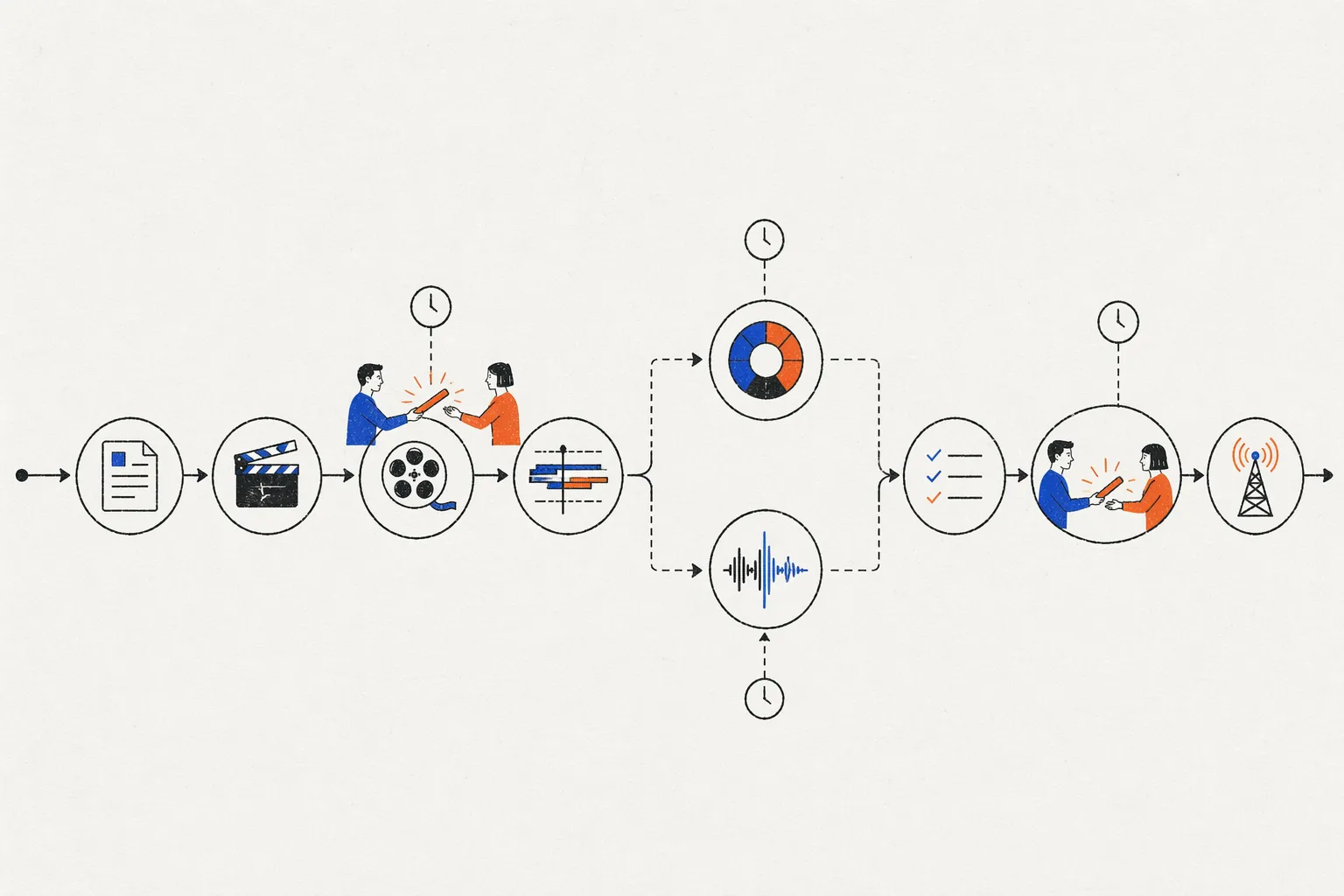
What is a Video Production Pipeline? The 9-Stage Framework
A video production pipeline is the structured workflow from concept to distribution. Learn ELBA's real 9-stage framework used across 6 YouTube channels.
Read