
What Is AI Video Generation? A Guide for Creative Teams
AI video generation turns text, images or existing footage into new video clips. How it works, the three main types, why generations fail, and where it fits in production.
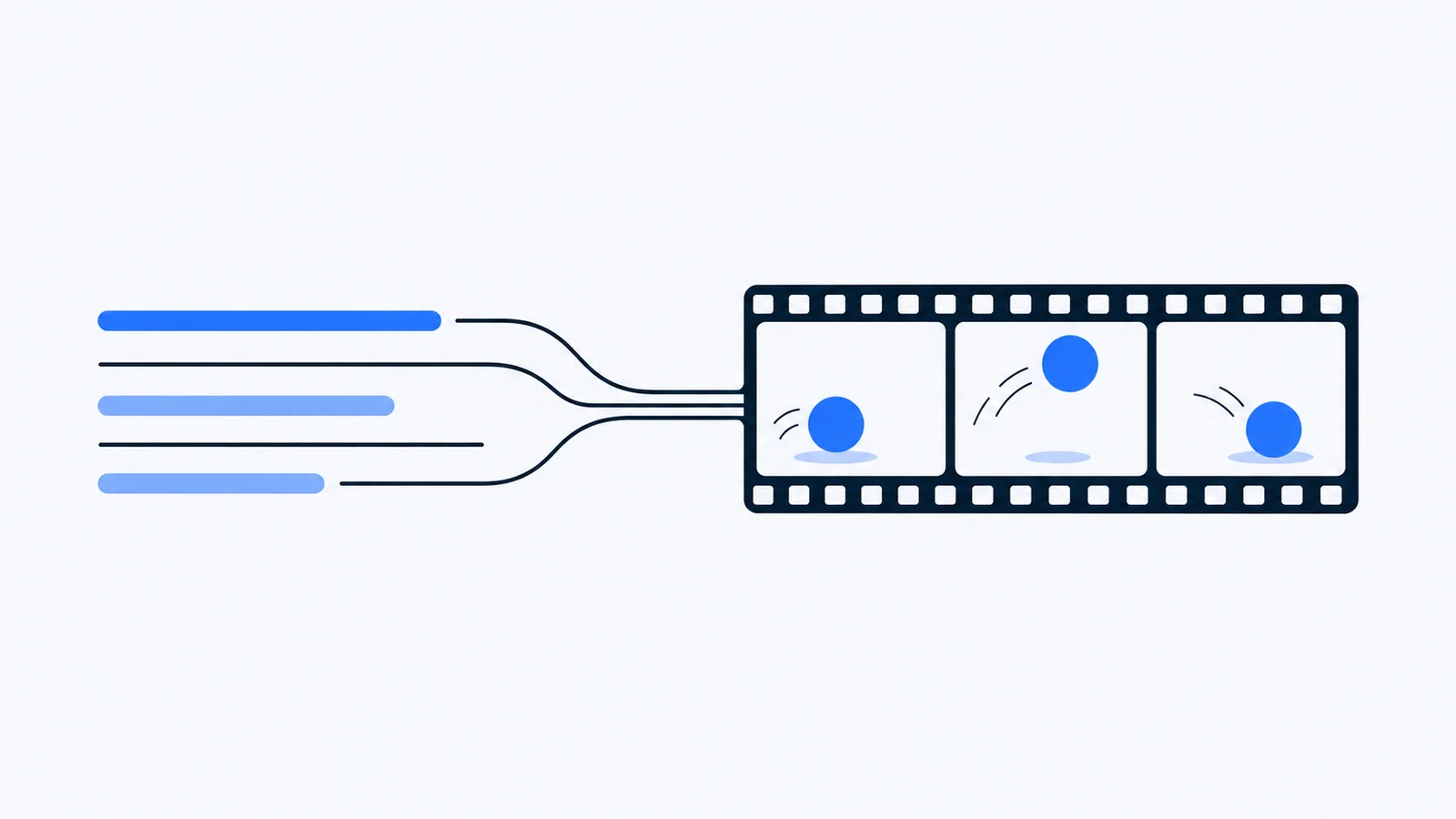
AI video generation is the use of a generative model to create new video clips from a text prompt, one or more reference images, or existing footage. Instead of filming or animating a shot, you describe it, and the model produces a short clip that matches the description.
Key Takeaways
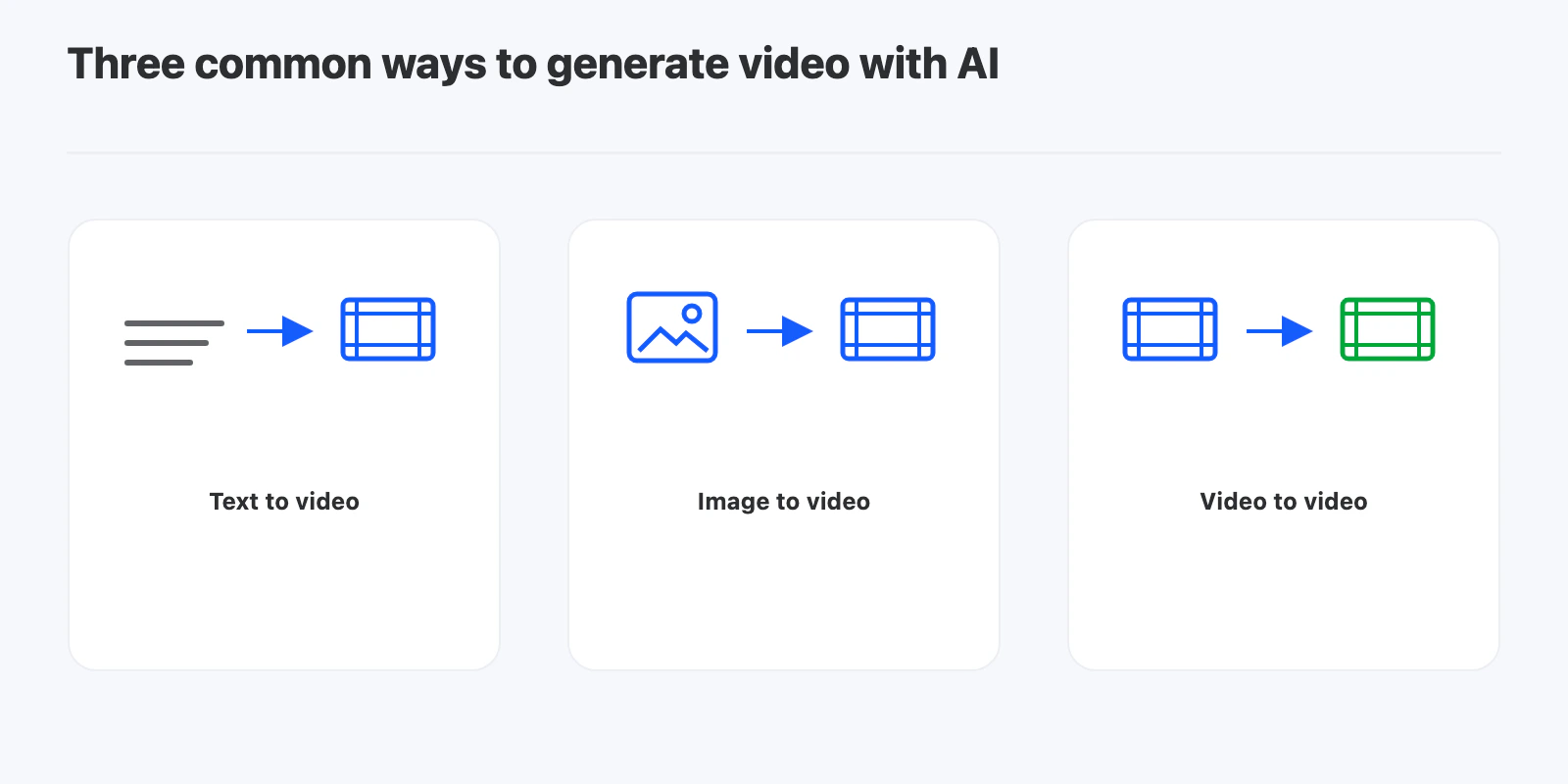
- There are three common inputs: text to video, image to video, and video to video.
- Clips are short. Most generations are measured in seconds, so longer pieces are built by combining clips in an editor.
- Every model has input requirements. Aspect ratio, the number of reference files and clip length all have limits, and breaking them is one of the most common reasons a generation fails.
- It is best for shots that are expensive or impossible to film, not for replacing a whole production.
- Generation is only half the job. Someone still has to review the clip, give feedback and fit it into the cut.
What are the types of AI video generation?
Text to video
You write a prompt describing the scene, the camera movement and the mood, and the model generates a clip from scratch. It gives the model the most freedom, and the least control over the result.
Image to video
You provide an image, such as a product shot or a storyboard frame, and a prompt describing the motion. The model animates from that starting point. This gives far more control over how the first frame looks.
Video to video
You provide existing footage and describe how it should change, such as a new style or a changed element. The model keeps the motion and timing of the original and changes what you asked for.
How does AI video generation work?
Most current video models are trained on large amounts of video paired with descriptions. At generation time, the model starts from noise and refines it step by step into frames that match the prompt and any reference files, while keeping motion consistent from frame to frame.
Two practical consequences follow:
- Results vary between runs. The same prompt can give different clips, so it is normal to generate a few options.
- Details can drift. Hands, small text and objects that leave and re-enter the frame are still common weak spots.
Why does AI video generation fail?
A failed generation usually comes down to one of four things.
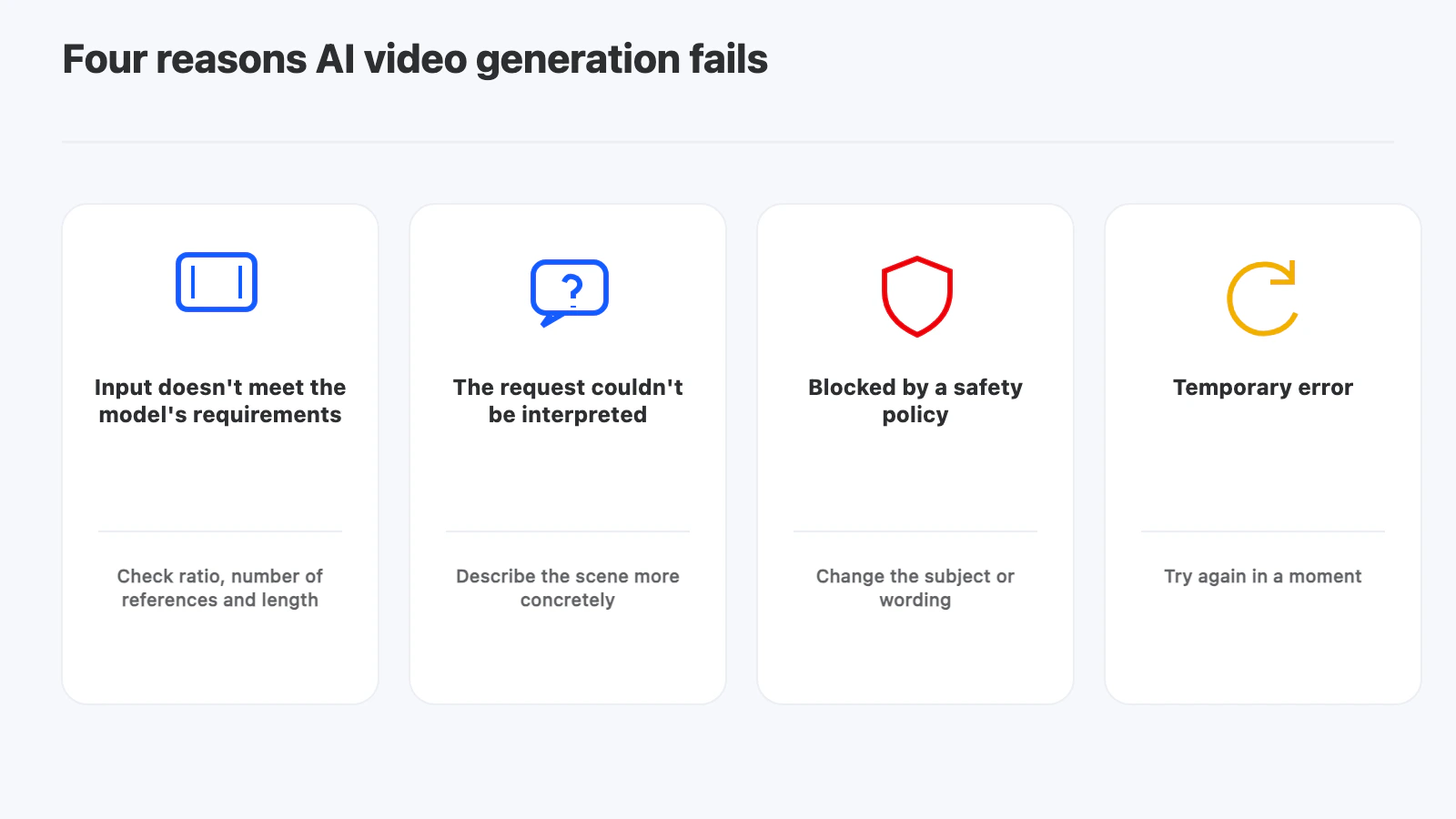
- The input doesn’t meet the model’s requirements. A reference image with an extreme aspect ratio, too many reference files or an unsupported length.
- The request couldn’t be interpreted. The prompt is too vague, or it mentions a file that isn’t attached.
- The request was blocked by a safety policy. Changing the subject or the wording usually fixes this.
- A temporary error. Retrying a little later often works.
Checking the first two before you generate saves the most time.
Where does AI video generation fit in a production?
Good uses:
- Establishing shots and B-roll that would need a location or a drone
- Previsualizing a scene before a shoot
- Animated versions of product images for social formats
- Several variations of a shot to test with a client
Things to watch:
- Consistency across shots. Keeping a character or product identical from clip to clip is still hard.
- Rights and terms. Check each model’s terms for commercial use before a clip goes into client work.
- Review. Generated clips need the same review and approval as filmed footage.
How does YouViCo handle AI video generation?
YouViCo, a video collaboration platform for creative teams, lets you generate video inside the same project where footage is reviewed, so a generated clip gets feedback in the same place as everything else.
- You can choose between several video models and attach reference images or video from the project.
- If a generation fails, the credits used for it are returned, and YouViCo shows the selected model’s input requirements and the most common failure causes, so you can see what to fix before retrying.
- Generated clips can go straight into the browser video editor.
For editing images the same way, see spot AI image editing.
Frequently Asked Questions
What is the difference between text to video and image to video?
Text to video creates a clip from a written prompt alone. Image to video starts from an image you provide and animates it, which gives more control over how the shot looks.
How long are AI-generated video clips?
Usually short, measured in seconds. The exact limit depends on the model. Longer videos are made by combining several clips in an editor.
Why did my AI video generation fail?
The most common causes are input that doesn’t meet the model’s requirements, a prompt the model couldn’t interpret, a safety policy block, or a temporary error. Check the input first.
Do failed generations use credits in YouViCo?
No. When a generation fails, the credits for it are returned.
Can I use AI-generated video commercially?
It depends on the model’s terms of use. Check them before using a clip in client or paid work.