
Made with YouViCo.
Prompts, skills, stories.
News, prompt guides for YouViCo's AI generation, and articles on video collaboration and AI-assisted creative work.
- Prompts
- 14
- Skills
- 13
- Articles
- 76









Featured
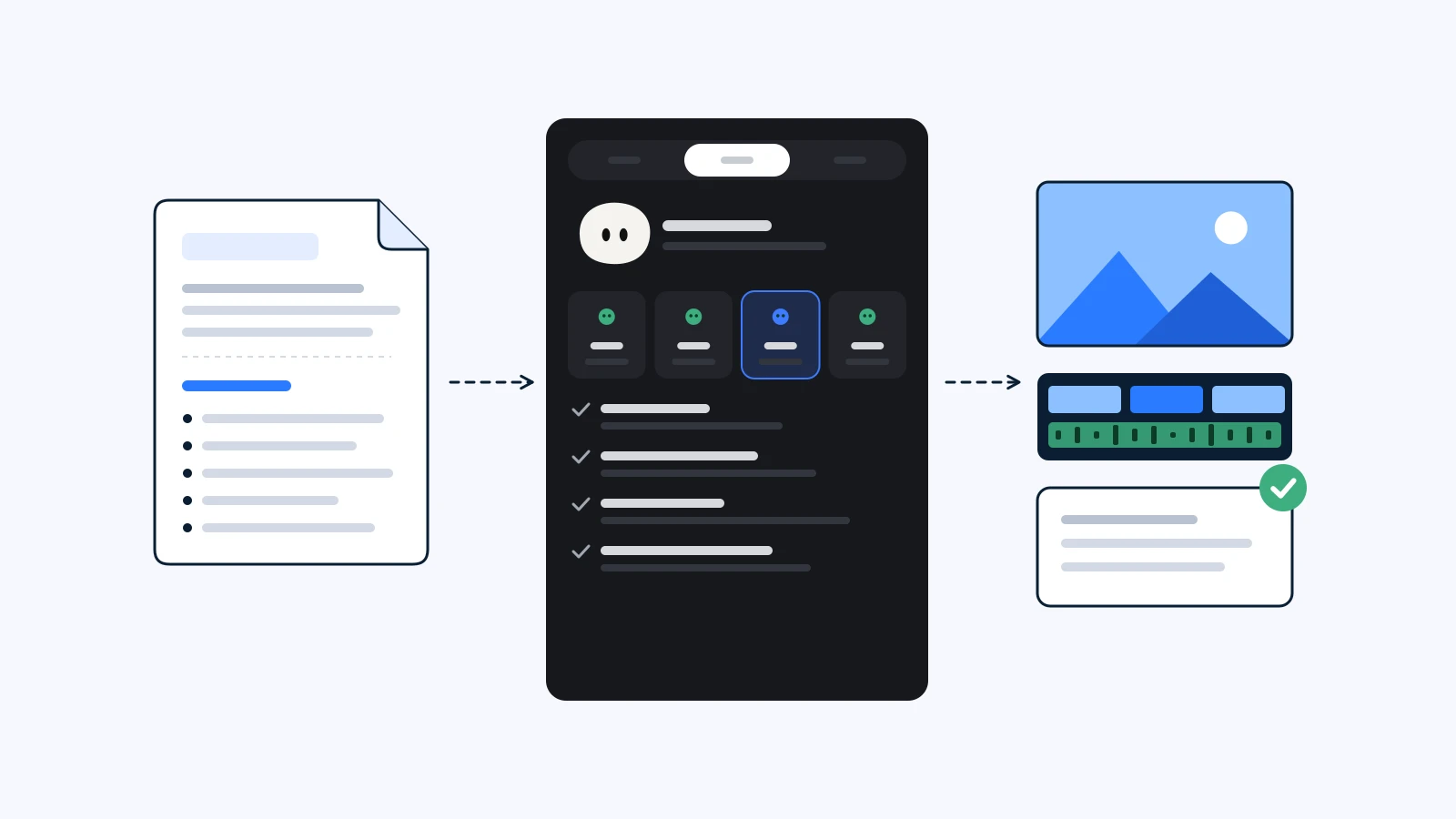
What is a skill? How YouViCo's AI Agent follows your playbook
A skill is a set of work instructions YouViCo's AI Agent follows. When it loads one, the four stages it runs, and how to write your own and share it with your team.
ReadShowcase
Made with prompts and skills
Every image and video here came out of YouViCo. Open one to get the prompt or the skill file behind it.
Articles
Articles and news
- News

YouTube's Inauthentic Content Rule: What AI Channels Keep Human
YouTube's inauthentic content rule targets templated, mass-produced channels, not AI tools. What it says, four steps to keep human, and a checklist.
Read - How-to

How to Get Clean Korean Text in AI Images
Korean text in AI images often comes out garbled. Six prompt rules that reduce errors, and how to fix a single wrong character without regenerating.
Read - Technical
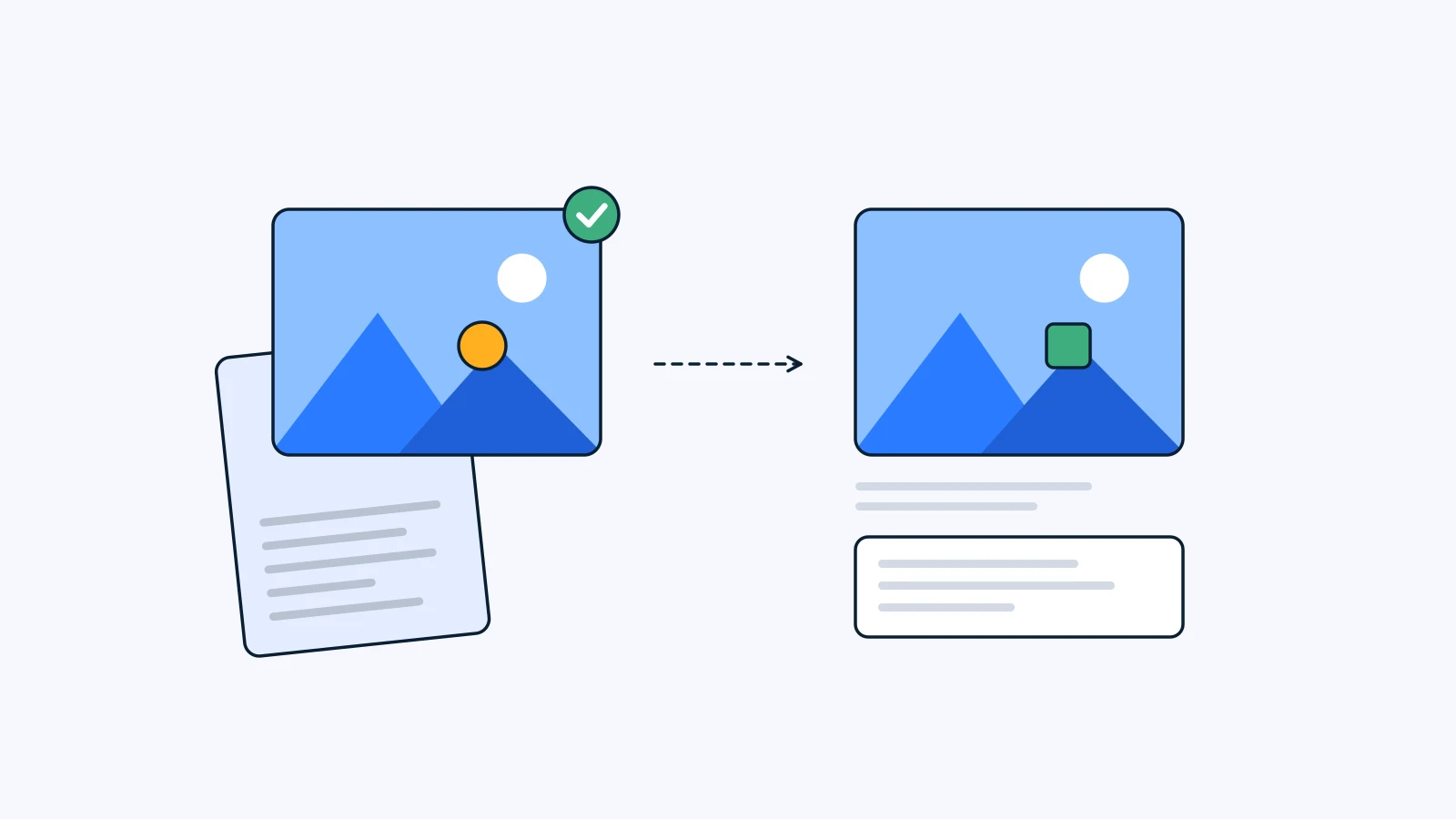
Make It Again: Use AI Generation Records to Continue a Series
Reproducible AI generation starts with a record, not memory. Keep the recipe on the approved file, then change only what's new in episode two.
Read - Glossary
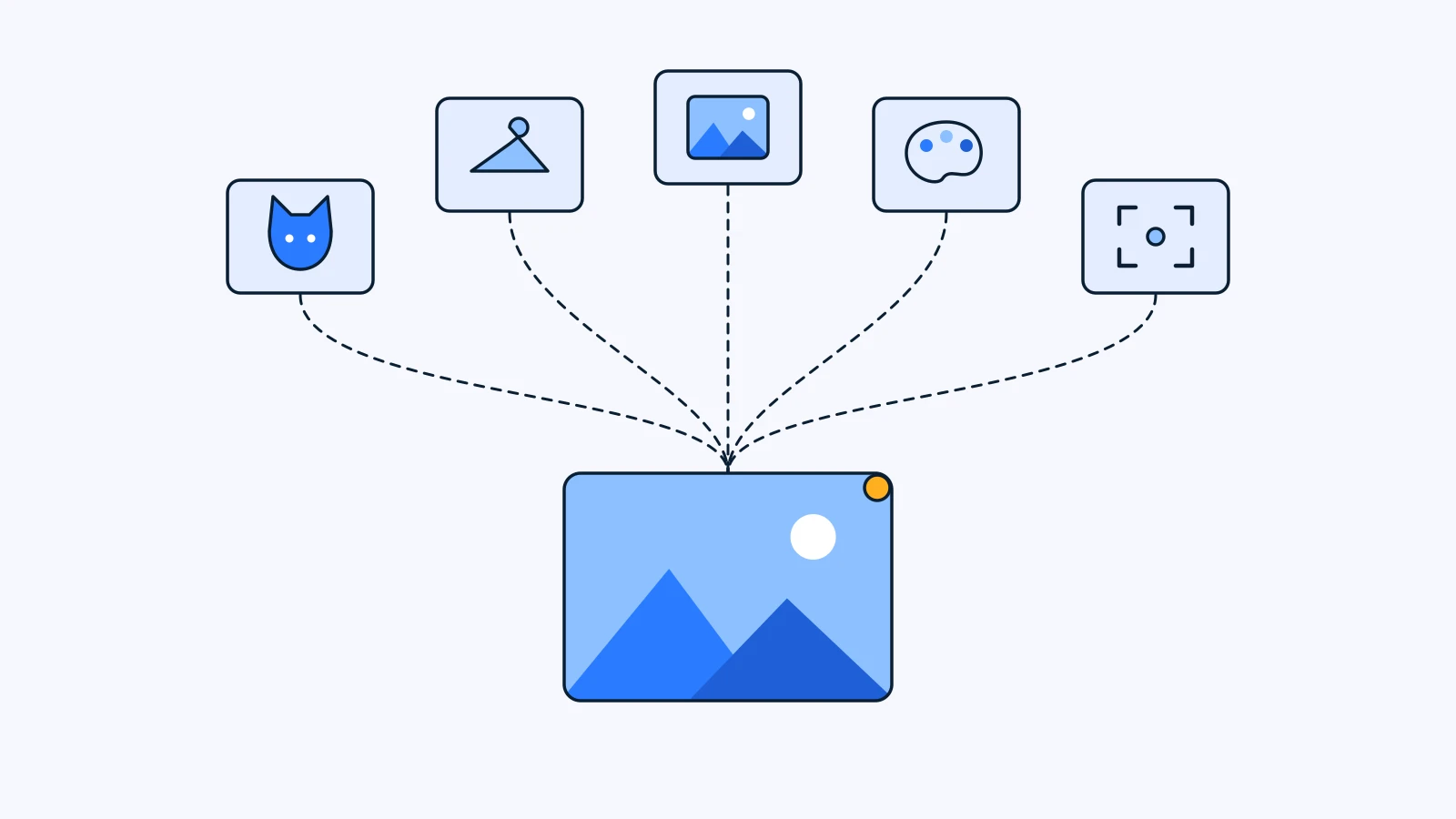
What Is a Reference Image? Choosing 5 References for AI
A reference image shows an AI model what words can't. How references differ from prompts, what carries over into the result, and how to pick five by role.
Read - How-to
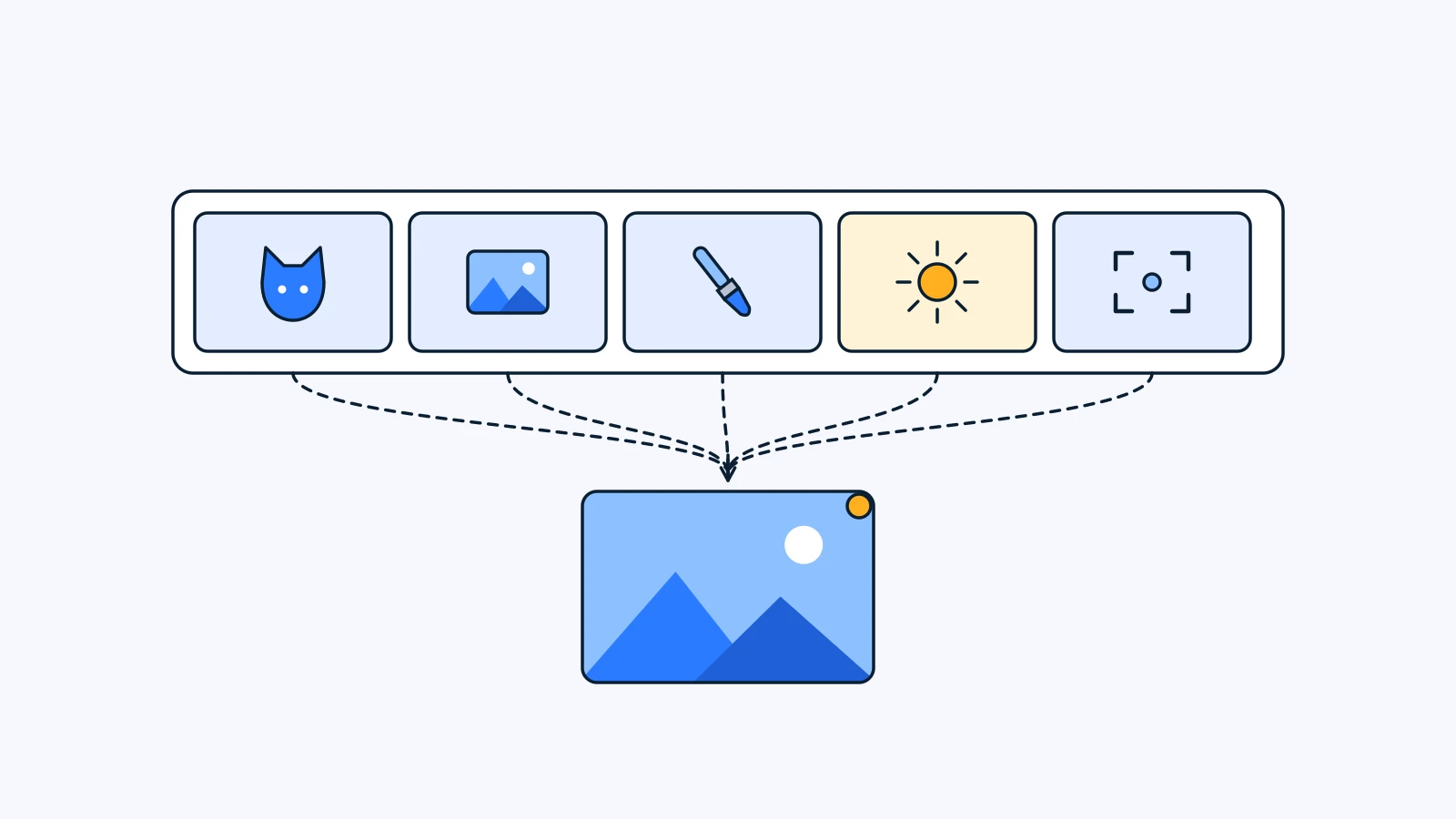
How to Write an AI Image Prompt: A Five-Slot Template
How to write an AI image prompt in five slots: subject, scene, style, light, framing. A copyable template, four real prompts split up, six mistakes.
Read - News
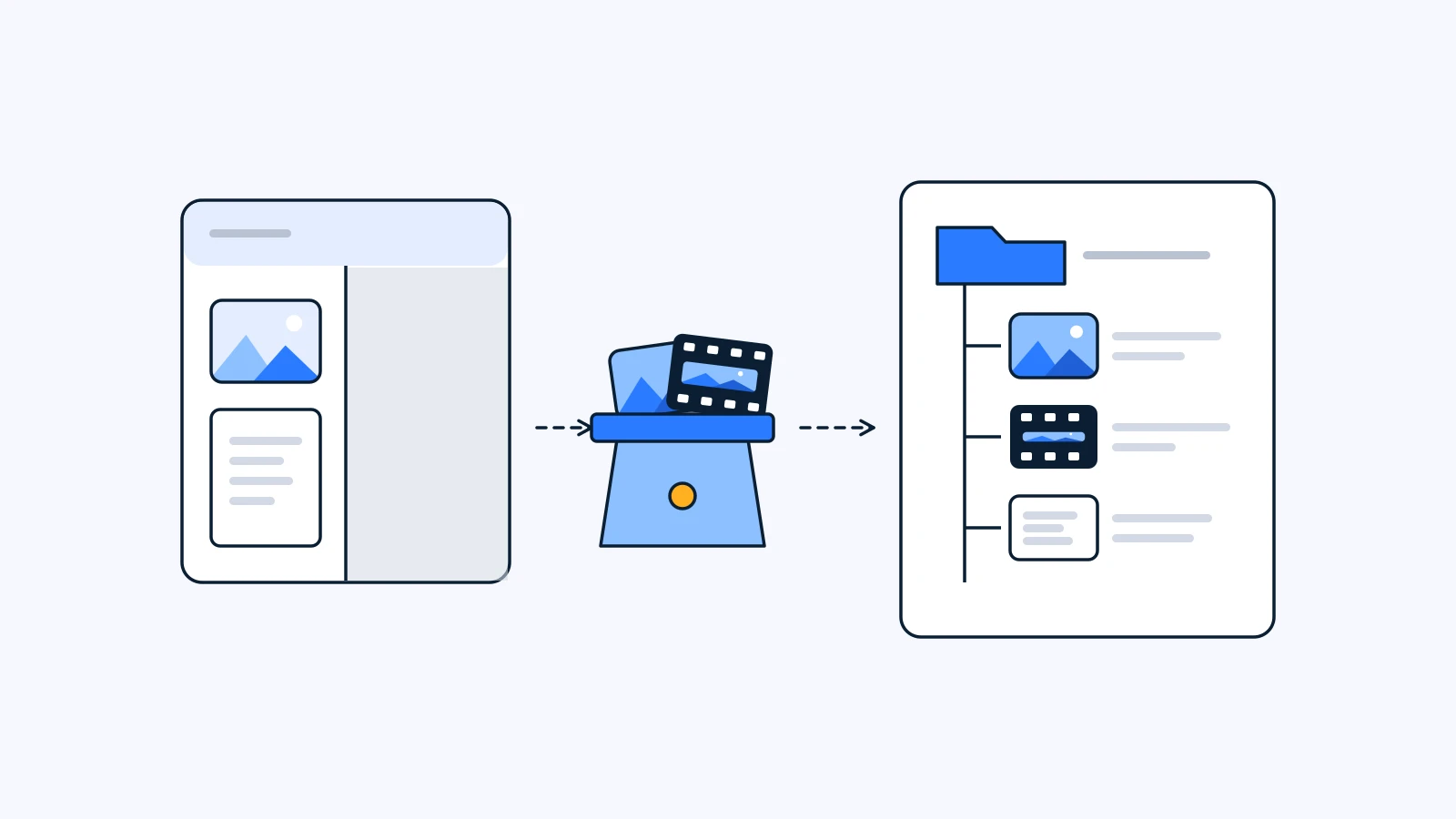
After the Sora Shutdown: 5 Things to Take With Your AI Video Work
The Sora shutdown is complete: the app closed April 26, the API September 24. Five things to gather before moving your AI video work, and what to re-test.
Read - How-to
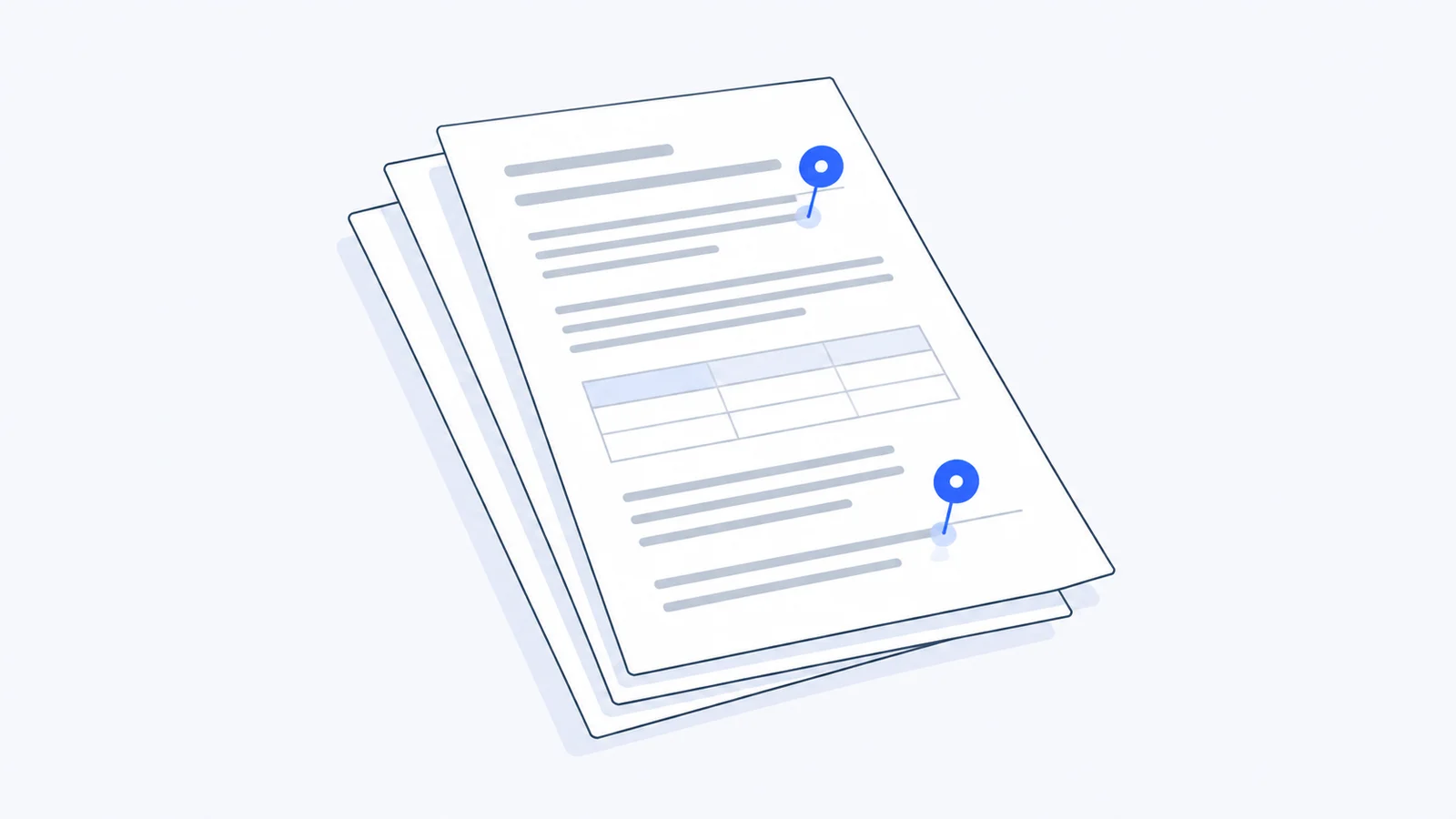
How to Review Spreadsheets and Docs Without Email Threads
Budgets, scripts and decks get feedback in scattered email threads. How to review XLSX, DOCX and PPTX files in the browser, with comments tied to the exact cell or page.
Read - Glossary
What Is Spot AI Image Editing? Change Just One Part
GlossaryWhat Is Spot AI Image Editing? Change Just One Part
Spot AI editing changes one area of an image from a short instruction and leaves the rest alone. How it works, and when to use it instead of regenerating.
Read - How-to
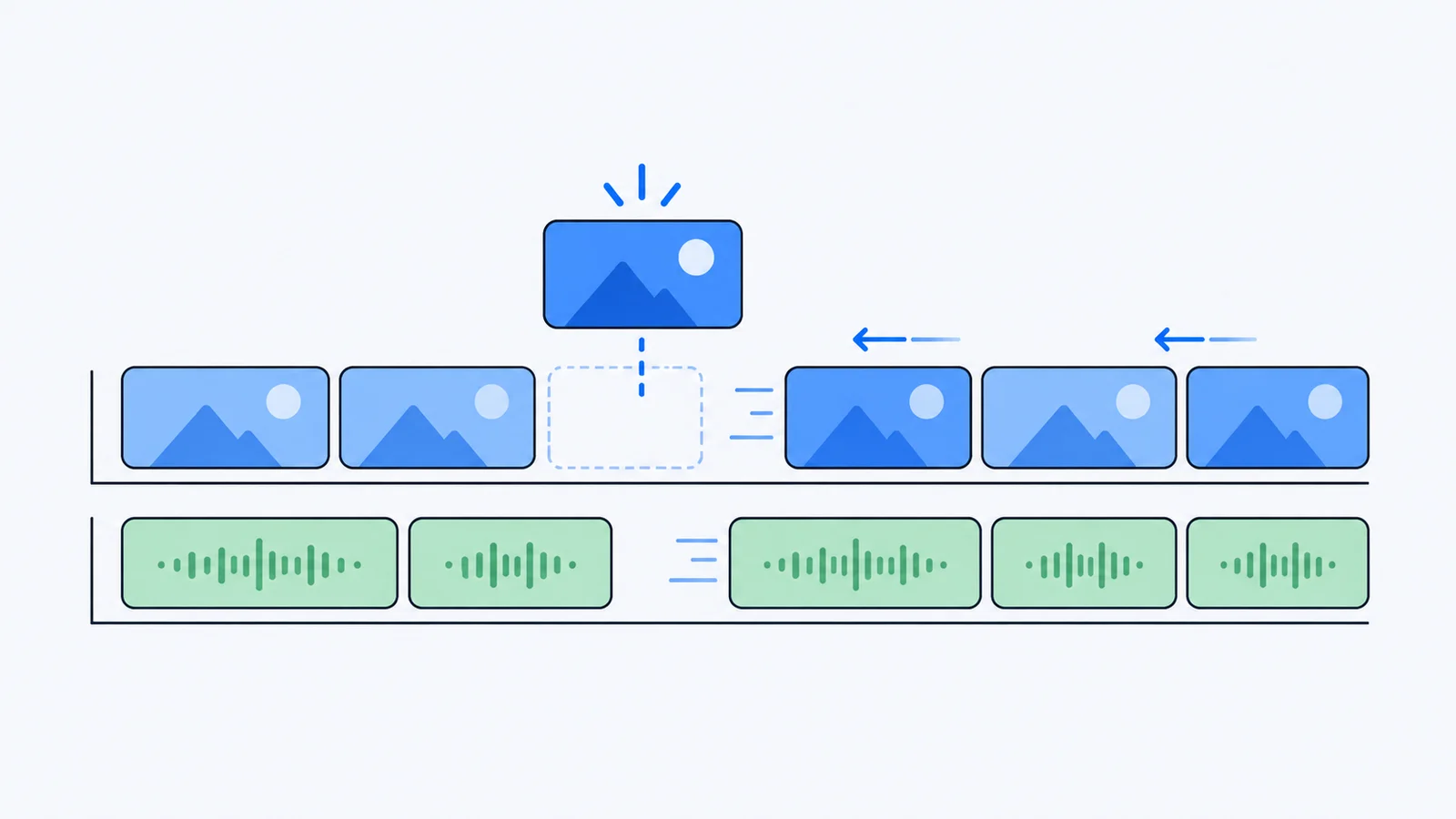
How to Ripple Edit in a Browser Video Editor
A ripple edit closes the gap when you delete or trim a clip. What ripple editing is, how it behaves on multi-track timelines, and how to use it in the browser.
Read