
It's autumn! A cosmos-field photo prompt for your pet
One walk photo in, and your pet is standing in the middle of a cosmos field. A prompt for a low-angle, phone-snapshot look with deep red cosmos and a big blue sky.
- Model
- YouViCo AI generation · New file ▸ AI, output format Image
- Difficulty
- Beginner
- Time
- 5 min, plus a minute or two per image
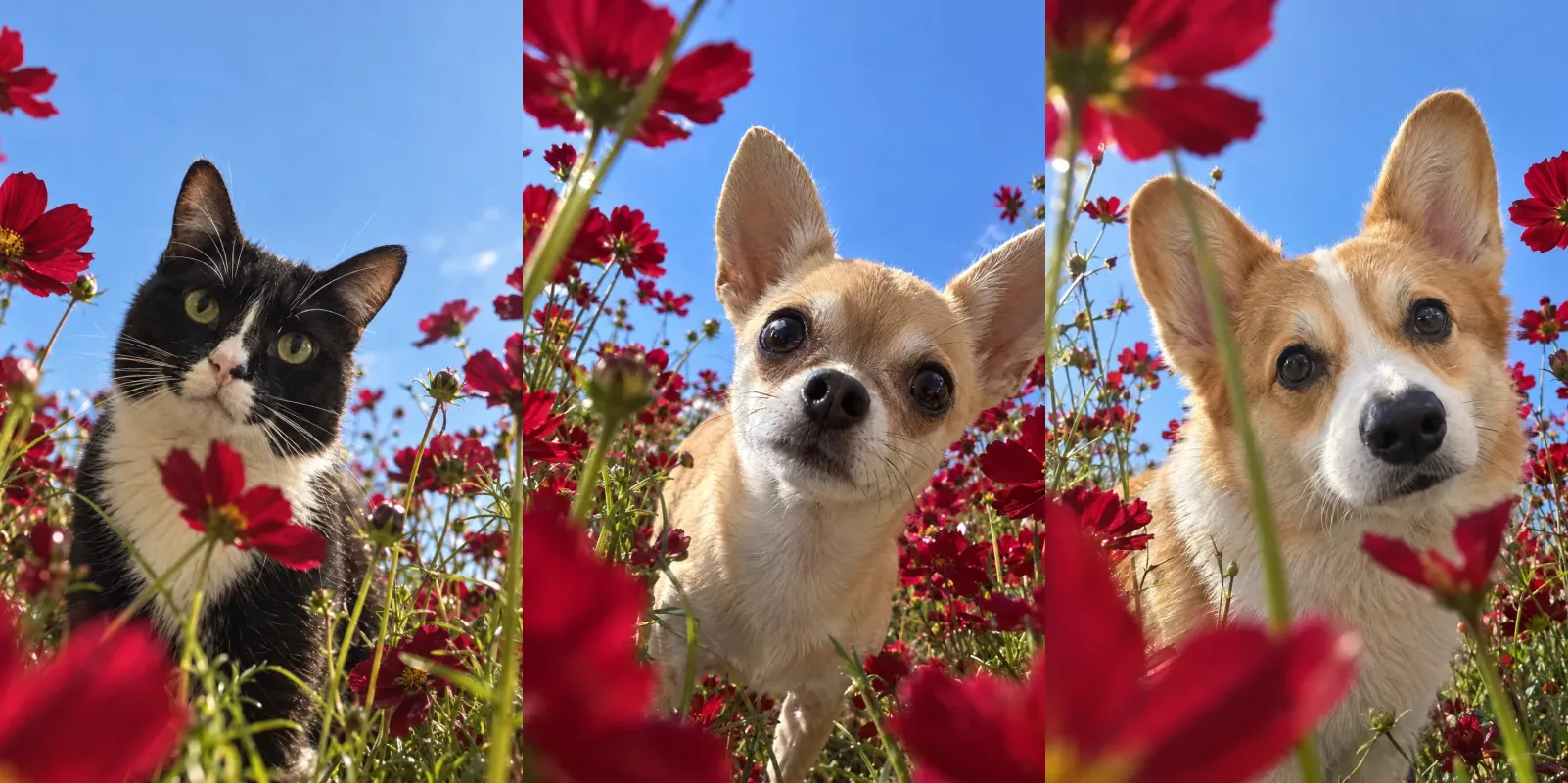
Before and after
One photo in, one still out. Same prompt every time.
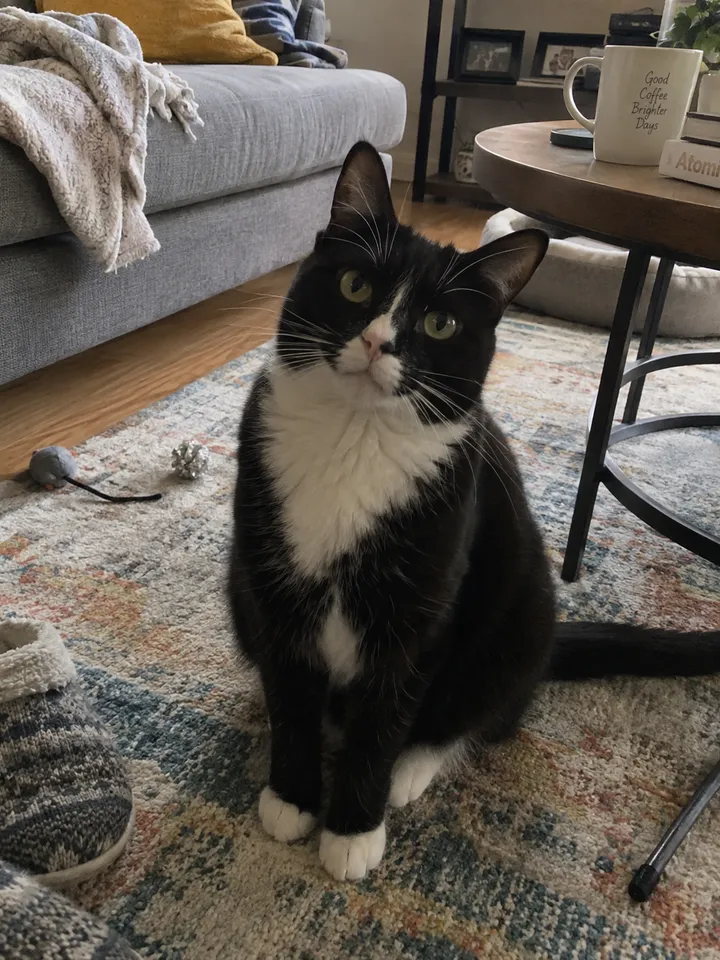
Input 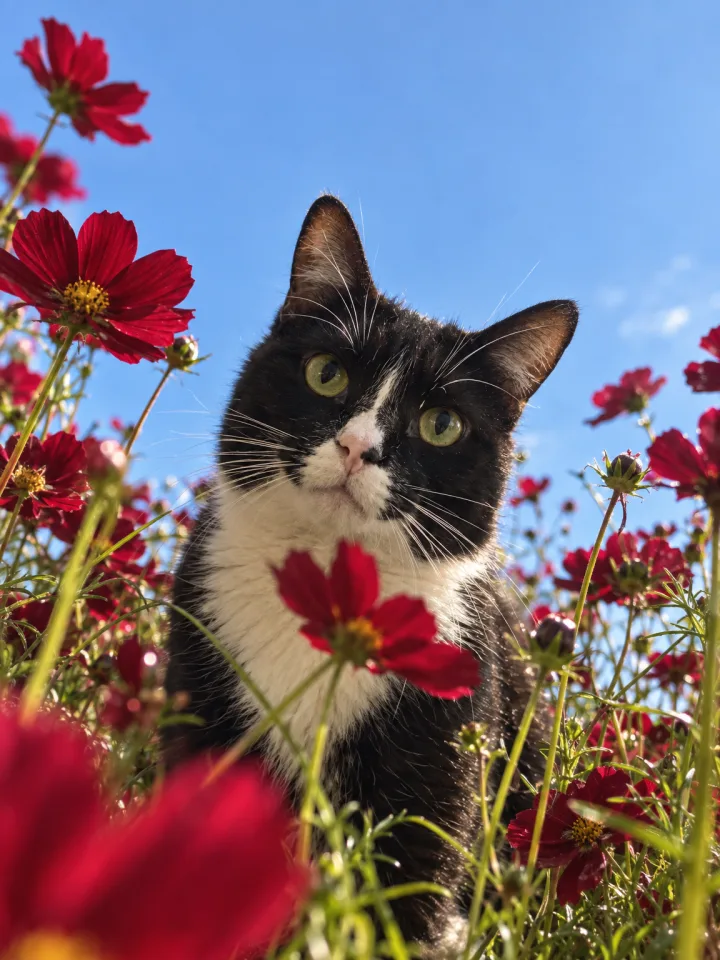
Result Tuxedo cat
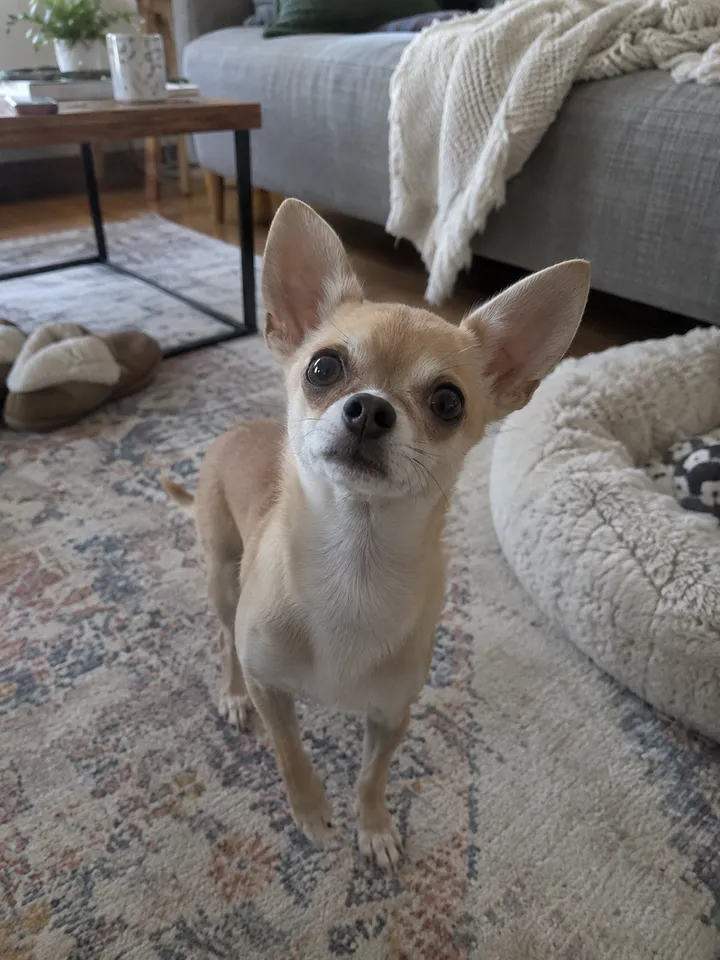
Input 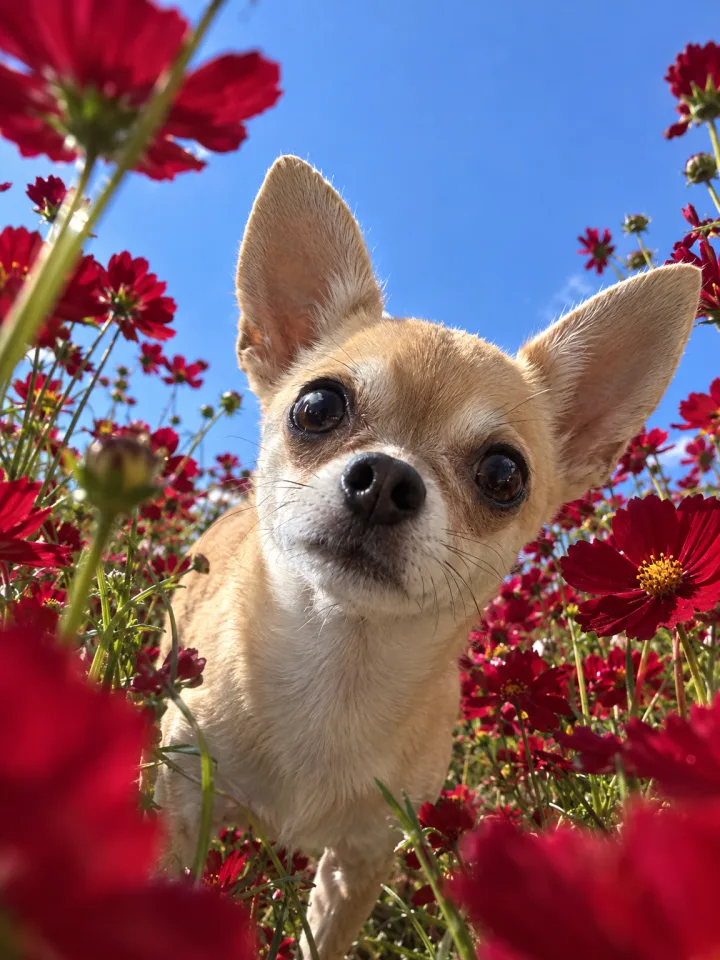
Result Chihuahua
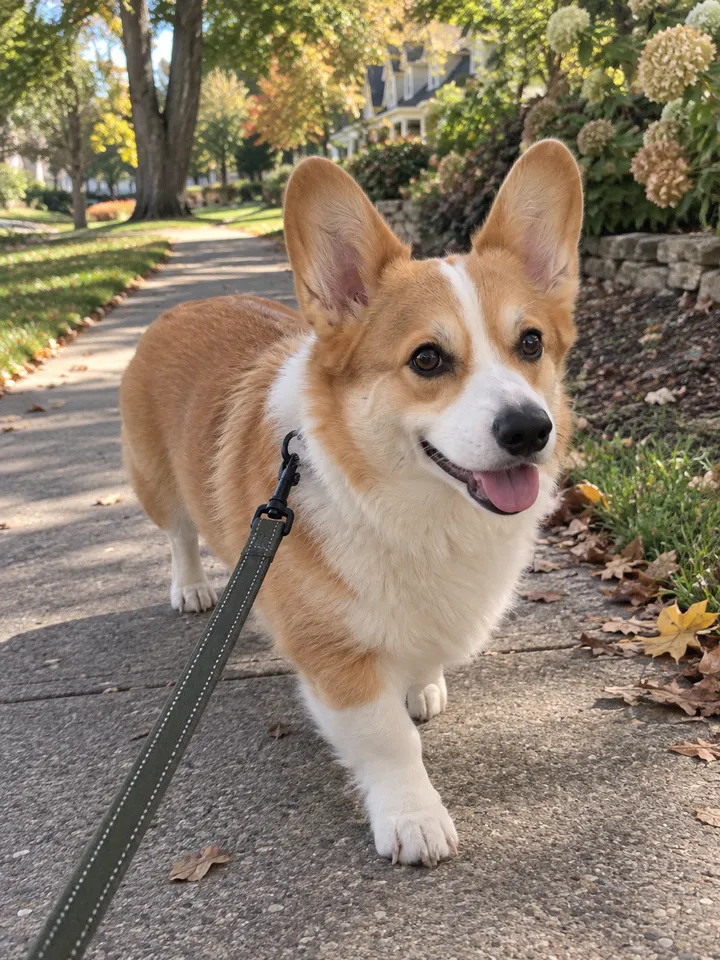
Input 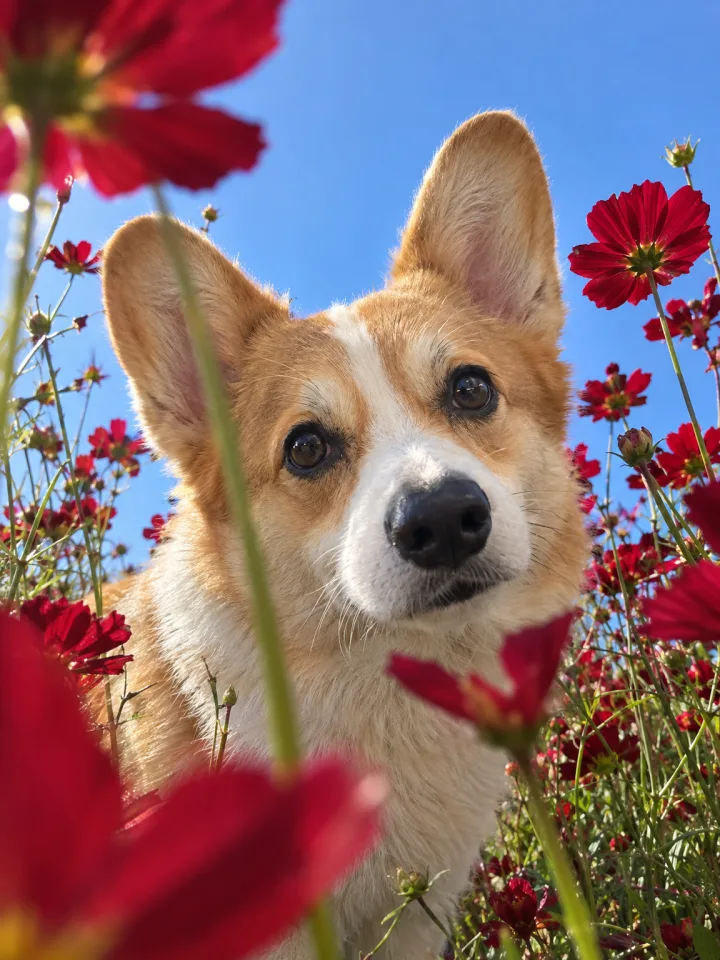
Result Welsh corgi
What you need
Prepare these before you start. Slot names map to the placeholders in the prompt.
One photo of your pet
photoA walk photo or a living-room snapshot, either works. The face and fur color need to be clear; the original pose, angle, and background are not carried over.
One walk photo in, and your pet is standing in the middle of a cosmos field.
High skies, cosmos in bloom: the season that makes you want to go out and take pictures. We sent a cat, a chihuahua, and a corgi into the same field with the same prompt. Copy it and try it with a photo of your own pet.
What we are making
A snapshot that looks like a phone held almost on the ground of a flower field, tilted up, taken in a hurry. Deep red cosmos surround the animal on every side, a few petals in the foreground blur right in front of the lens, and your pet’s face comes in close between them. Above it all, a wide, clear blue sky.
The prompt takes only identity from the original: the look, fur color, breed, and facial features. Pose, gaze, and background are set by the prompt, so a leash-walk photo and a sofa photo end up in the same field.
Three steps
Step 1. Upload one photo
Upload a photo of your pet to a YouViCo project. A sharp face and true-to-life fur color are enough. It does not have to be a frontal shot.
Step 2. Choose Image in New file ▸ AI
Click New file, then the AI tab. Set Output format to Image, pick a model from the list, and add the photo you just uploaded under References.
Step 3. Paste the prompt and generate three or four
Paste the prompt below as is and create the file. The flower placement and the expression change every run, so generate a few with the same settings and keep the one you like. Each run is a new file.
Use the uploaded animal photo only as an identity reference. Keep the animal's distinctive look, fur color, breed, and facial features recognizable, but do not copy the original photo's pose, body direction, head angle, camera viewpoint, or background.

The final image must look like a snapshot taken on the spot with an iPhone, close to the ground in a flower field. The camera sits very low, as if placed right on the ground, looking up at an extreme low angle. The animal should not feel like it is sitting far away in the field; it should feel like it has come right up close to the camera and looks big.

Place the animal in the middle of a field densely planted with deep red cosmos. Tall cosmos flowers and thin stems surround the animal on all sides; some stems and petals brush right past the lens and partly cover the foreground. A few nearby flowers may be so close to the lens that they blur heavily or are cut off. Use only deep red cosmos; no orange, pink, or yellow flowers.

The animal's whole body does not have to be visible. Showing only the upper body so the face is emphasized is fine, and part of the body may be cut off by the frame. A composition where the face pops in from the bottom or the side of the frame is also allowed. What matters is that the animal's face looks close and cute, with a strong sense of looking up from below.

The animal reacts naturally toward the camera, lifting its head or leaning in to peer at the lens. It should read as a curious, lovable captured moment rather than a still, posed one.

The background shows a bright, clear blue sky taking up a large area, with plenty of open sky space in the upper part of the frame.

Overall mood: a natural pet snapshot taken hastily on an iPhone. Warm natural light, shallow depth of field, a slight wide-angle feel, blurred near foreground, slightly clumsy framing, a sense of a caught moment, and the crisp but natural colors typical of iPhone photos.

Portrait 4:5. An Instagram composition where the animal's face, the flowers, and the blue sky are all alive together.
Tips before you run it
- The original is used for identity only. Skip looking for a nice pose or background; pick the photo with the most accurate face and fur color.
- Generate three or four, then choose. Flower placement, foreground blur, and expression differ every run. Do not judge from the first image.
- The flower color is deliberately one color. Deep red only, because a mix of colors breaks the phone-snapshot feel. Change that one sentence if you want a different field.
- A cropped face is fine. The face popping in from outside the frame is the fun of this prompt. Prefer a big face over a full body.
- The ratio is 4:5. It fits an Instagram feed as is.
- Pets only. Do not run this prompt on photos of people.
Frequently asked questions
Does it work with cats?
Yes. The tuxedo cat above is the result. The prompt only says “animal,” so breed and looks come from the photo.
The face came out a little off.
The photo probably carried too little identity. Add one more photo with a larger, well-lit face under References and regenerate.
Make your own version
Open your project in YouViCo, attach the references, paste the prompt, and share what you make.