
Caught digging a heart-shaped hole: a prompt for your pet
It went quiet for a moment, and there they were, caught digging a heart-shaped hole. A prompt for the view from the bottom of a sandy heart, in soft pastel tones, with your pet peering in.
- Model
- YouViCo AI generation · New file ▸ AI, output format Image
- Difficulty
- Beginner
- Time
- 5 min, plus a minute or two per image
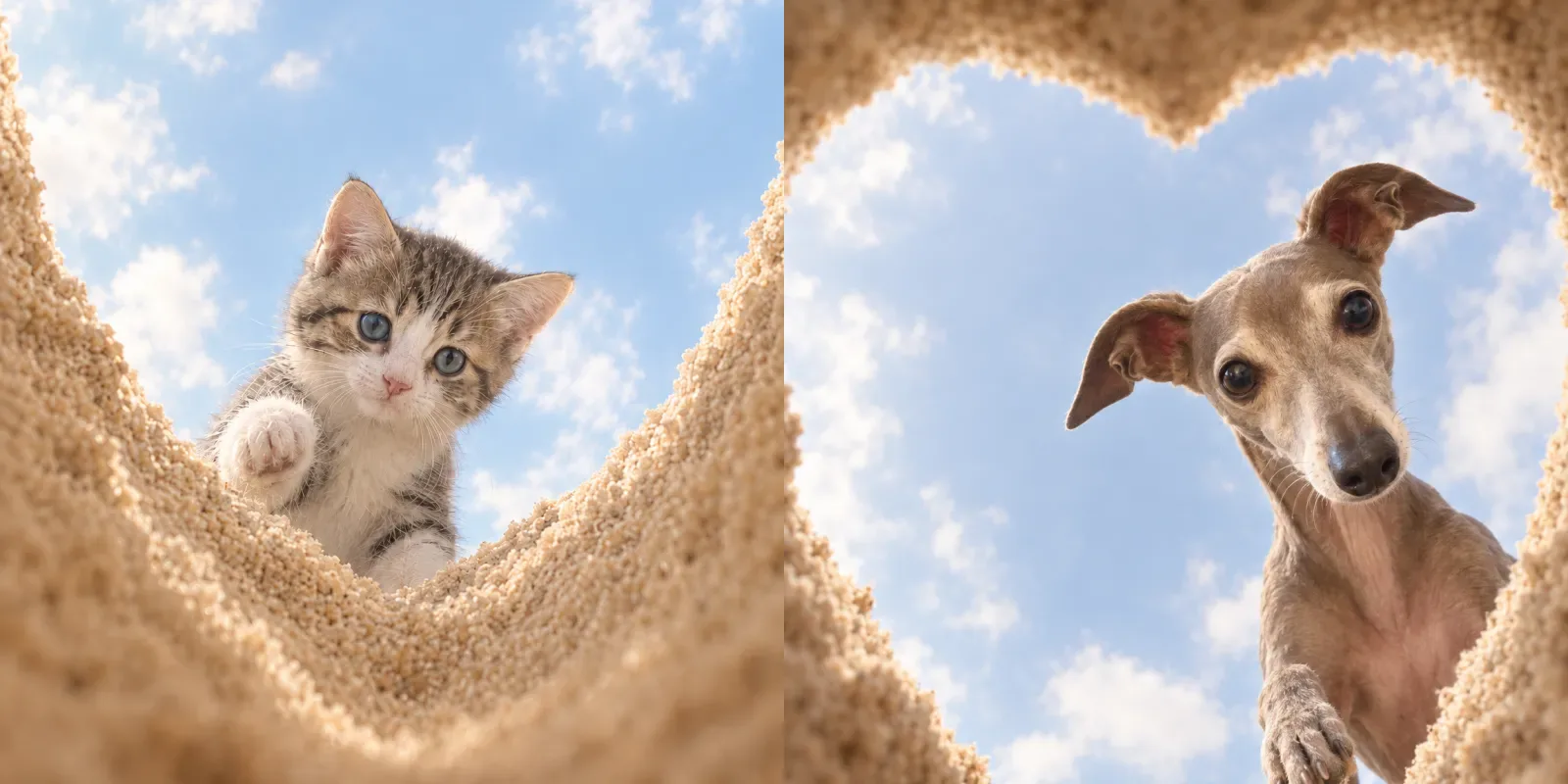
Before and after
One photo in, one still out. Same prompt every time.
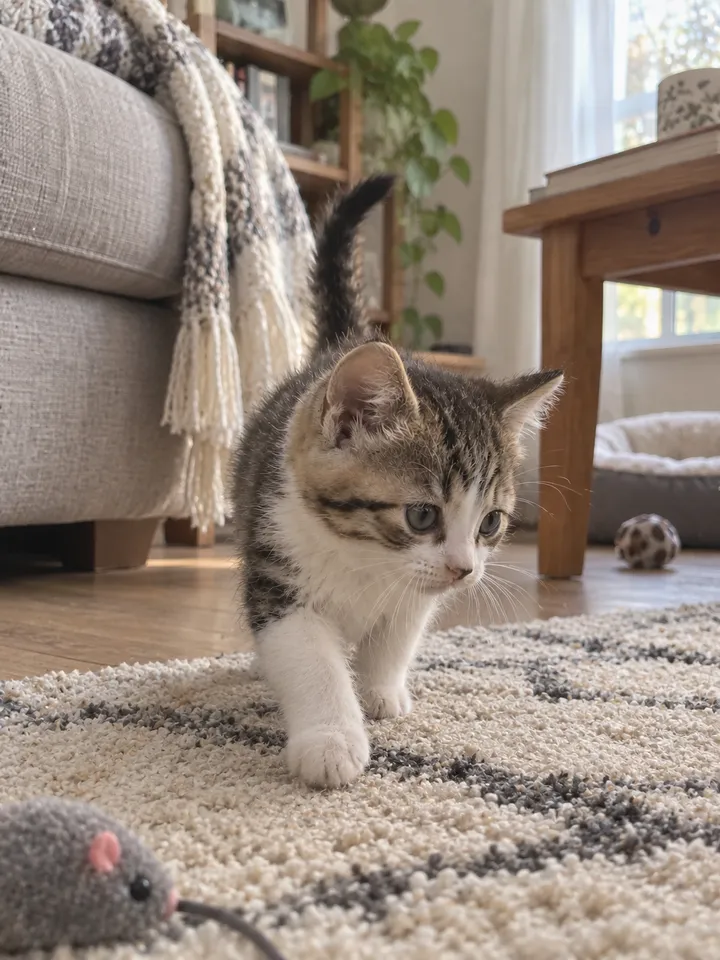
Input 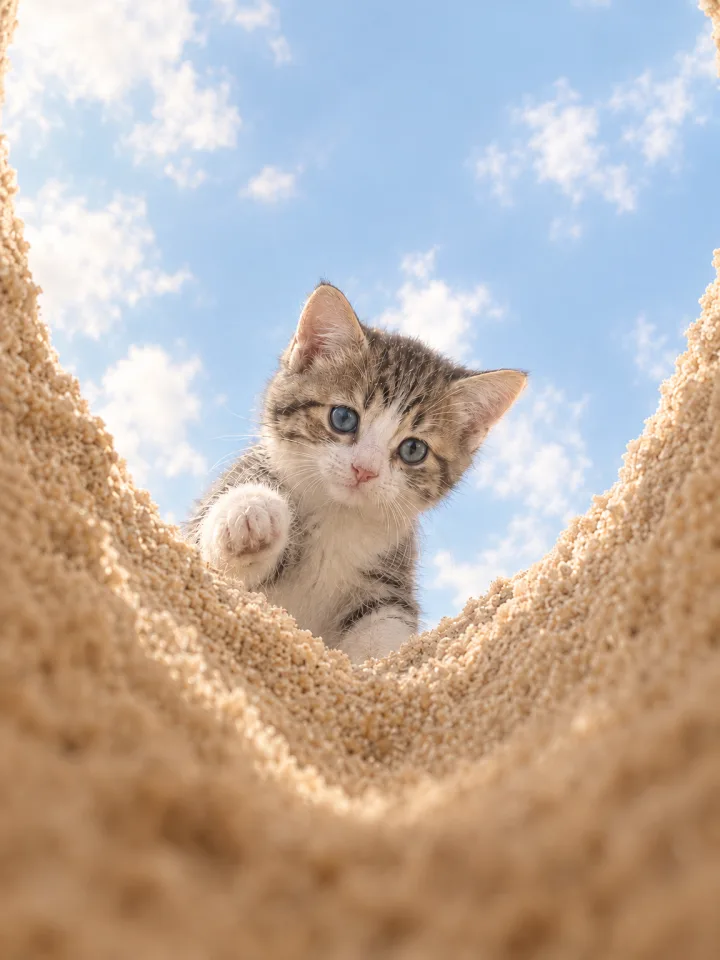
Result Kitten
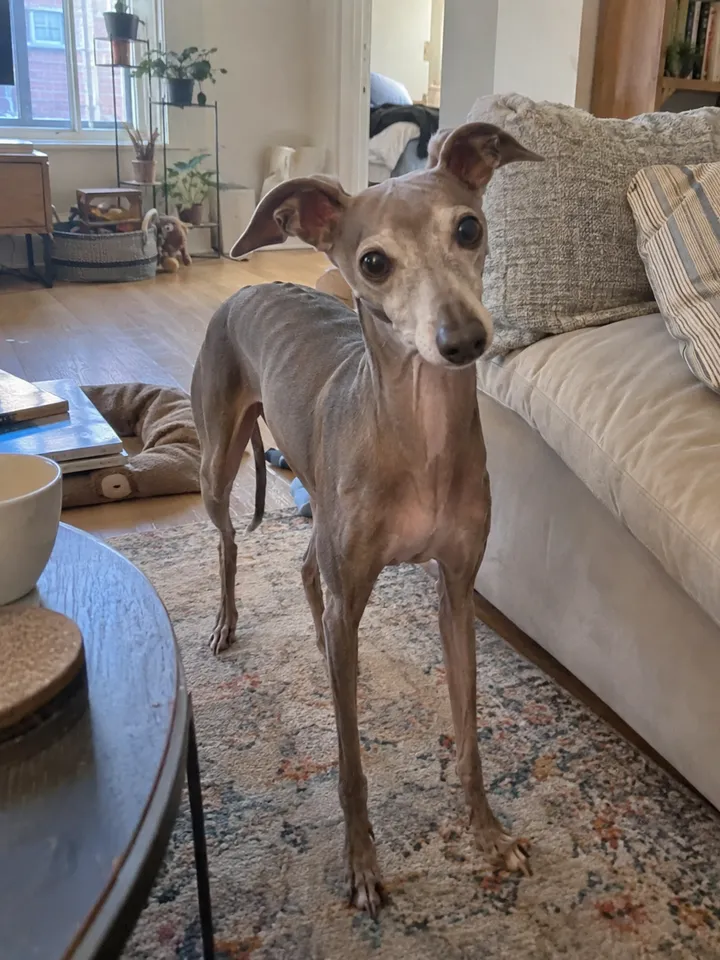
Input 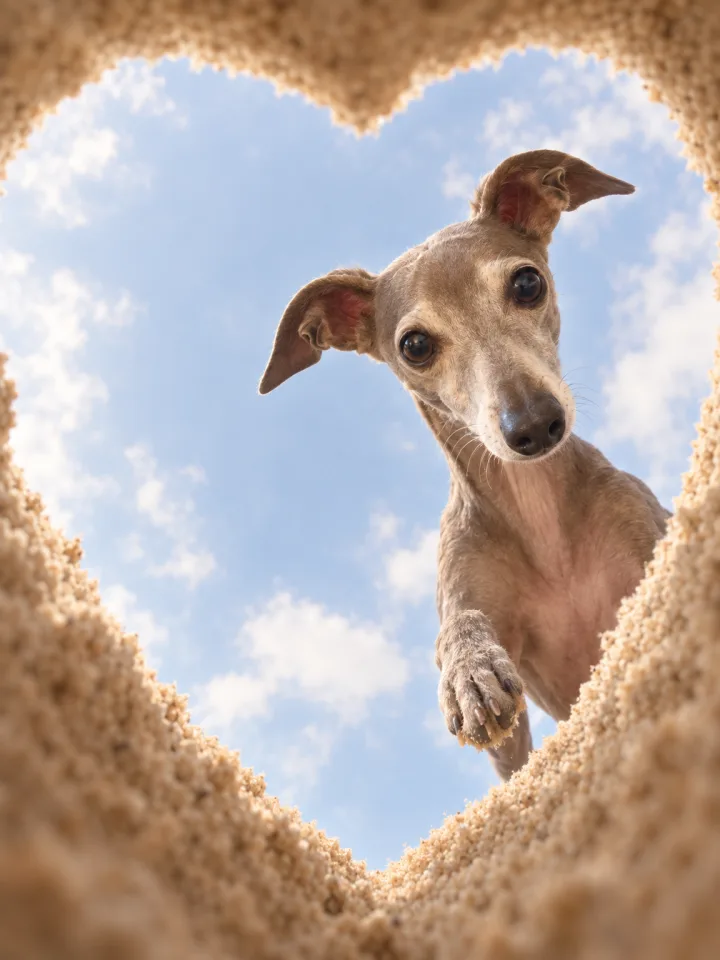
Result Louie · Italian greyhound
What you need
Prepare these before you start. Slot names map to the placeholders in the prompt.
One photo of your pet
photoBreed, fur color, face shape, and ear shape should be visible. The original pose, angle, background, and composition are not carried over.
It went quiet for a moment, and there they were, caught digging a heart-shaped hole.
If a dog goes quiet, something is being destroyed. Everyone with a pet has lived that sentence. We put a kitten and Louie in front of the same hole. Copy the prompt and try it with a photo of your own pet.
What we are making
The view from the bottom of a heart-shaped hole dug in sand. Soft sand walls trace a heart around the edge of the frame, a gentle sky with clouds shows through it, and your pet peers down from the rim with its face close. If one front paw comes up in a little wave, you have the shot.
The key to this prompt is empty space. The animal must not fill the heart; it sits slightly off to one side so the heart shape and the sky stay visible. The colors are deliberately soft too: a warm, creamy beige for the sand and a gentle sky blue instead of a hard cobalt.
Three steps
Step 1. Upload one photo
Upload a photo of your pet to a YouViCo project. Breed, face shape, and ear shape should be clear.
Step 2. Choose Image in New file ▸ AI
Click New file, then the AI tab. Set Output format to Image, pick a model from the list, and add the photo under References.
Step 3. Paste the prompt and generate three or four
Paste the prompt below as is and create the file. Where the animal settles (upper left, upper right, one side) and the paw gesture change every run, so generate a few and keep the one where the heart keeps its empty space.
Use the uploaded animal photo only as an identity reference.
Keep the animal's breed, fur color, face shape, ear shape, eyes, nose shape, and overall impression recognizable, but do not copy the original photo's pose, angle, background, or composition. Whatever animal photo comes in, rebuild it naturally and cutely to fit the scene below.

Stage the image from the viewpoint of the bottom of a heart-shaped hole in sand, looking up.
The camera sits very low, as if placed on the floor inside the hole, pointing upward.
Soft sand walls surround the edges of the frame in a heart shape, and through them a bright sky with soft clouds is visible.

Place the uploaded animal at the top of the hole, looking down with its face close.
But do not let the animal fill the heart frame; place it naturally in a slightly off-center position such as upper left, upper right, left side, or right side rather than dead center.
In other words, the composition must not have the animal occupying the center of the frame; it must keep breathing room so the heart shape and the sky space stay clearly visible.

The animal's whole body does not need to be visible; the face and front part are enough.
The animal should look down at the camera with curiosity and affection, ideally lifting one front paw slightly in a greeting or a cute gesture.
That gesture must stay natural and lovable, not exaggerated.

The overall mood is photoreal but cozy and soft.
Colors should not be deep or harsh: a soft, warm, near-pastel tone with gentle, calm hues.
The sky should be a softer, cozier blue rather than a vivid cobalt, and the sand a warm, creamy beige rather than a strong, loud yellow.
The whole photo should have warm natural light, soft shading, cozy colors, and a lovable, quiet social-media feel.
Not stimulating or high-contrast; a subtle, plain, lovable mood is what matters.

Ratio: portrait 4:3.
Within the tall frame, compose the heart-shaped frame, a sky with breathing room, and a cute animal slightly off to one side, all visible together.

Important:
Do not let the animal fill the heart frame. Place the animal slightly off to one corner, left or right, not front and center. Keep the colors soft and cozy, not vivid. Keep the portrait 4:3 ratio.
Tips before you run it
- Empty space is the point. Discard results where the animal fills the heart. A frame with plenty of sky and a clear heart reads far better on social.
- Keep the color instructions. Remove the pastel sentences and you will get a hard cobalt sky and yellow sand.
- Generate three or four, then choose. Position and paw gesture vary every run. The frames with a raised paw get the best reactions.
- Young animals work especially well. The composition favors face and front paws, so small animals come out especially lovable.
- Pets only. Do not run this prompt on photos of people.
Frequently asked questions
The heart shape comes out warped.
Picking the cleanest heart from several runs is the fastest fix. If it keeps happening, move the “Important:” paragraph to the very top of the prompt so the framing instructions are read first.
The animal fills the center.
The prompt already asks for an off-center placement, but the model sometimes ignores it. Regenerate, or pin one position, for example “place the animal in the upper left.”
Make your own version
Open your project in YouViCo, attach the references, paste the prompt, and share what you make.