
A 12-Point QA Checklist for AI-Generated Images and Video
An AI generated content QA checklist: 12 checks across form, text and brand, rights and context, plus who reviews what before AI images and video go out.
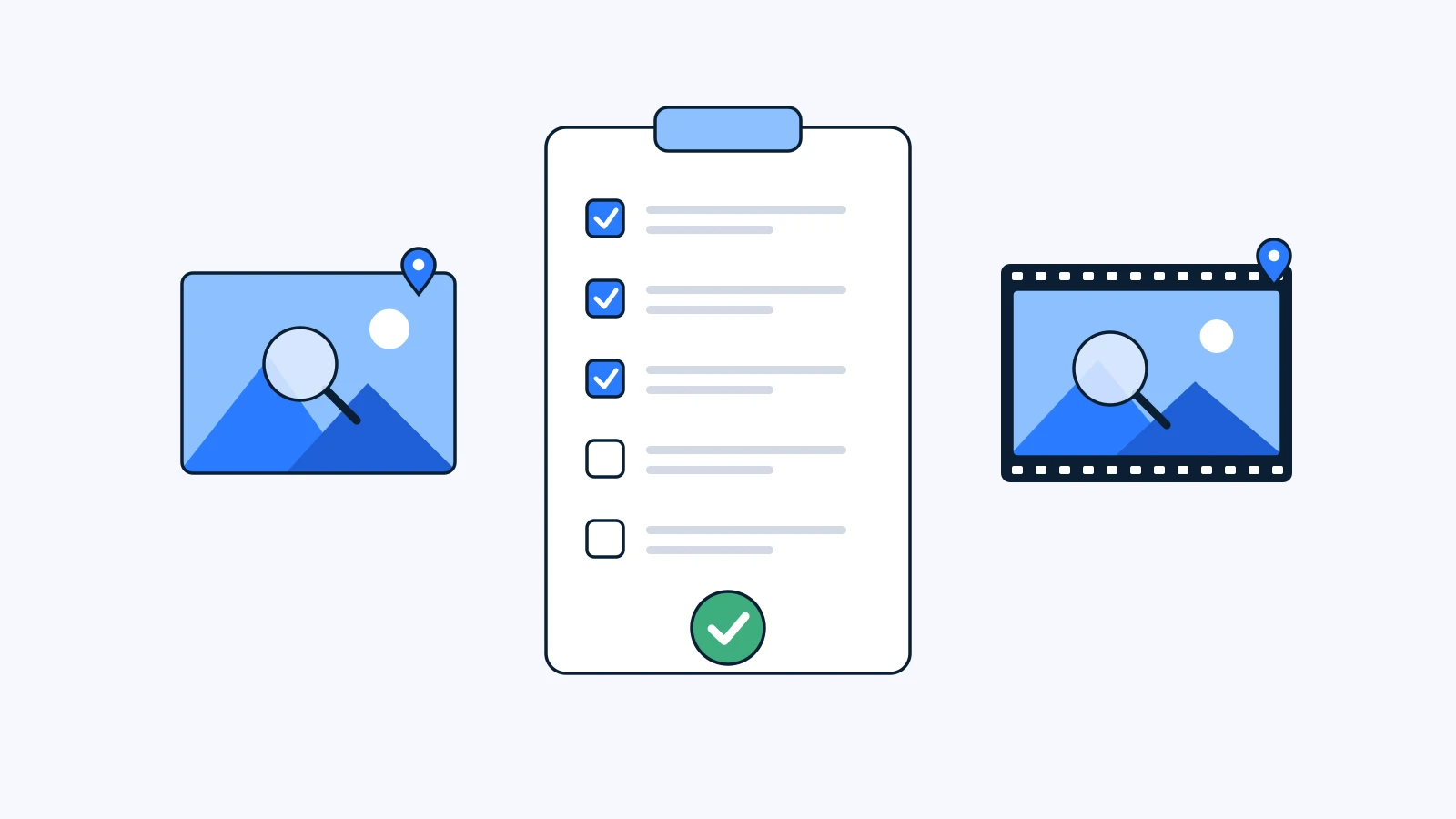
Before you export an AI-generated image or video, run 12 checks grouped into four areas: form, text and brand, rights, and context. They range from defects you catch by eye, like finger counts and shadows, to questions you answer from records, like where the reference images came from and who signed off. The maker, the reviewer and the decision-maker all use the same list, but each one owns different items.
Key Takeaways
- Form (checks 1-4): counts of hands, faces and objects; perspective and shadows; continuity between shots; artifacts across the whole frame.
- Text and brand (checks 5-7): on-screen text, logo and product accuracy, brand color.
- Rights (checks 8-10): where the reference images came from, real people’s likeness, music and font licenses.
- Context (checks 11-12): the policy of the platform you will post on, and a record of who approved it and when.
- A useful review note names the frame or position, states what is wrong, and says what the result should be. “The hand looks weird” just starts a round of follow-up questions.
Why do AI results need their own QA pass?
With filmed or hand-made assets, mistakes tend to be visible: a soft focus, a wrong color, a missing shot. AI output fails differently. The overall impression is convincing, so it is easy to pass at first glance, while the defects hide in corners. The hand holding the cup has six fingers. The shop sign is a pattern pretending to be letters. The shirt buttons change color in the second shot.
The other difference is provenance. With a shoot, everyone knows who filmed what and when. With a generation, nobody can answer “how was this made?” later unless the prompt and reference files were kept. You need that answer before you can deliver to a client or get past a legal review.
ELBA, the company behind YouViCo, runs more than 140 brand campaigns a year (per the company’s January 2026 post). At that volume, review by gut feel starts to miss things. That is what a list is for.
The 12-point AI content QA checklist
Form
- Counts of hands, faces and objects. Actually count anything countable: fingers, teeth, earrings, table legs, window panes. On faces, check that both eyes match in size and look in the same direction.
- Perspective and shadows. Do the shadows follow one light direction? Is anything floating that should touch the floor? Do the lines converge to a consistent vanishing point? Check reflections in mirrors, glass and water against the objects they reflect.
- Continuity between shots. For video or a multi-image set, put the shots side by side and compare faces, clothing, props and hair. In video, objects can also change shape or vanish within a single shot. For how video models build a clip, see What Is AI Video Generation?.
- Artifacts across the frame. Look for smeared edges, repeating textures in the background, skin that turns waxy, and flicker or jitter in video. Don’t stop at the center: zoom into each of the four corners once.
Text and brand
- On-screen text. Read every sign, package, screen UI and T-shirt slogan. If it is misspelled or only looks like text, remove it or cover it with real type in post. Non-Latin scripts such as Korean break especially easily.
- Logo and product accuracy. Check the logo’s proportions, strokes and clear space against the guidelines, and the product’s buttons and packaging against the real thing. The fastest way is to keep the original product shot open next to the result.
- Brand color. Check that the key colors stay on the guideline values. Generated images often drift warm or cool overall, so check the background and wardrobe too, not just the area around the logo.
Rights
- Reference image sources. Record whether every reference file was shot by you, supplied by the client, or cleared for use. If an image found through web search went in as a reference, the result needs a fresh decision before delivery.
- Real people’s likeness. Check that no face in the result resembles a celebrity or another real person. If you used photos of models or staff as references, confirm they agreed to this kind of use.
- Music and font licenses. Confirm that the track under the video and the fonts on screen are licensed for this medium and this period. Even if the scene was generated, the rights in what you layer on top still have to be checked separately.
Context
- Platform policy. Ad and video platforms each have their own rules on generative content, synthetic people and depictions of real people, and they revise them often. Check the platform’s current policy right before posting, and decide here whether the piece needs an AI-generated label.
- Who approved it, and when. Finally, confirm there is a record of who approved this file as final and when. A “looks good” in a chat thread is not a record. An approval status and comments attached to the file are.
Who reviews what?
If one person checks all 12, they tire out. If everyone checks all 12, everyone assumes someone else did. Splitting first responsibility by role works better. The table below is a typical split, not a rule; on a small team one person can hold two roles.
| Role | Checks they own first | What they leave behind |
|---|---|---|
| Maker | 1-4 form, 5 text, 8 reference sources | Generation record (prompt, model, references), notes on what they already fixed |
| Reviewer | 6-7 brand, 3 continuity again, 9-10 rights | Comments and drawings pinned to a frame or position |
| Decision-maker | 11 platform policy, 12 approval | Approval status change, reasons for holding |
When a rights or policy item (8-11) is unclear, the decision-maker sends it to legal review. This post is not legal advice; the checklist only helps make sure the questions get asked.
Good review notes and bad ones
The most common note on AI output is “the hand looks a bit off.” The maker then has to ask which hand, what is off, and what it should look like, and a day goes by. A good note has three parts:
- Where: a frame or timecode for video, a position for images. Circling the spot is faster than describing it. For why frame-level comments matter, see What Is Timestamped Feedback?.
- What: the problem as you see it. “Six fingers on the left hand.” “The sign text is unreadable.”
- How: the result you want. “Five fingers, leave everything else.” “Keep the sign blank.”
| Bad note | Good note |
|---|---|
| The hand looks weird | At 00:00:04:12 (4 s, frame 12), the left hand holding the cup has six fingers. Make it five and keep the cup and lighting as they are. |
| Not loving the color | The back wall reads closer to purple than our brand blue. Match it to the guideline blue. The skin tone is good as is. |
| Please check the logo | The logo in the bottom right has tighter letter spacing than the guideline. Cover it with the original logo file in post. |
Say what to keep, too. Fixing one spot in an AI result can easily shift everything around it, so naming what must stay the same shrinks the next review. For more on marking up frames directly, see What Is Visual Feedback?.
How the review flow works in YouViCo
In YouViCo, an AI result is a normal project file, the same as an upload. You can run the checklist where the file already is instead of moving it to a separate review tool.
- Open the result. An image or video made with New file ▸ AI lands in the project tree as a file.
- Comment on frames and draw on the problem. Leave frame-accurate comments on video, and draw directly on the frame to mark the spot. Switching the player time display to frames or timecode makes it easier to land on the exact frame.
- Bring in outside reviewers. Clients or external reviewers can join through guest access without signing up and comment on the same file.
- Fix only the flagged spot on images. With image AI spot editing (added September 16, 2026), you pin the problem spot and give a short instruction, and only that area changes. One bad finger no longer means regenerating and re-reviewing the whole image. The idea is explained in What Is Spot AI Image Editing?.
- Answer “how was this made?” The generation block in the file’s info panel keeps the model, output type, prompt and reference files. For check 8, it tells you exactly which references went in; you still have to confirm the rights to each one. The reasoning behind this design is in How AI generation in YouViCo is designed.
- Change the approval status. When the decision-maker updates the file’s status, check 12 has its record. For designing the approval stages themselves, see What Is a Video Approval Workflow?.
Copy-paste checklist
Copy this block into a review comment or an internal doc.
[AI output QA before export]
File:              Reviewer:          Date:

Form
[ ] 1. Hands, faces, object counts (count fingers, teeth, props)
[ ] 2. Perspective and shadows (light direction, floating objects, reflections)
[ ] 3. Continuity between shots (face, clothing, props, hair)
[ ] 4. Artifacts across the frame (zoom into all four corners, flicker/jitter)

Text and brand
[ ] 5. On-screen text (signs, packaging, UI, non-Latin scripts)
[ ] 6. Logo and product accuracy (compare side by side with the original)
[ ] 7. Brand color (including background and wardrobe)

Rights
[ ] 8. Reference sources (own shoot / client-supplied / cleared)
[ ] 9. Real people's likeness (look-alikes, consent of referenced people)
[ ] 10. Music and font licenses (medium, period)

Context
[ ] 11. Platform policy (checked right before posting, AI label decision)
[ ] 12. Final approver and date recorded

Reasons for holding / items for legal review:
FAQ
Do we decide on AI labeling at this stage?
Yes, check 11 is a good place for it. Look at the target platform’s policy and the relevant law together, then decide whether and how to label. In Korea, the AI Basic Act took effect on January 22, 2026, and the Ministry of Science and ICT has said it will hold off on fines for at least a year. When and how to label is a topic for a separate post.
When do we need a legal review?
Send it to legal when a reference image’s rights are unclear, when the result resembles a real person, when a competitor’s product or trademark is visible, or when the ad is in a regulated category such as health or finance. This post is not legal advice, so get specific decisions from a qualified professional.
How many times should we watch a video?
At least three. First at normal speed with sound on, for the overall impression. Second with sound off, looking only at form and continuity. Third frame by frame, stopping on the places where defects cluster: text, logos and hands. Short videos that loop, like Shorts or Reels, make even a one-frame defect easy for viewers to catch.
If everything passes, can we publish right away?
If all 12 are checked and the “reasons for holding” line is empty, it is ready. Policy and rights answers can change over time, though, so if you reuse the same asset months later, run checks 8-11 again.