
How to Onboard Clients to Video Review in Minutes
Guest access, no login required. Share a link, clients start reviewing in 30 seconds. Reduce onboarding friction and accelerate approval cycles.
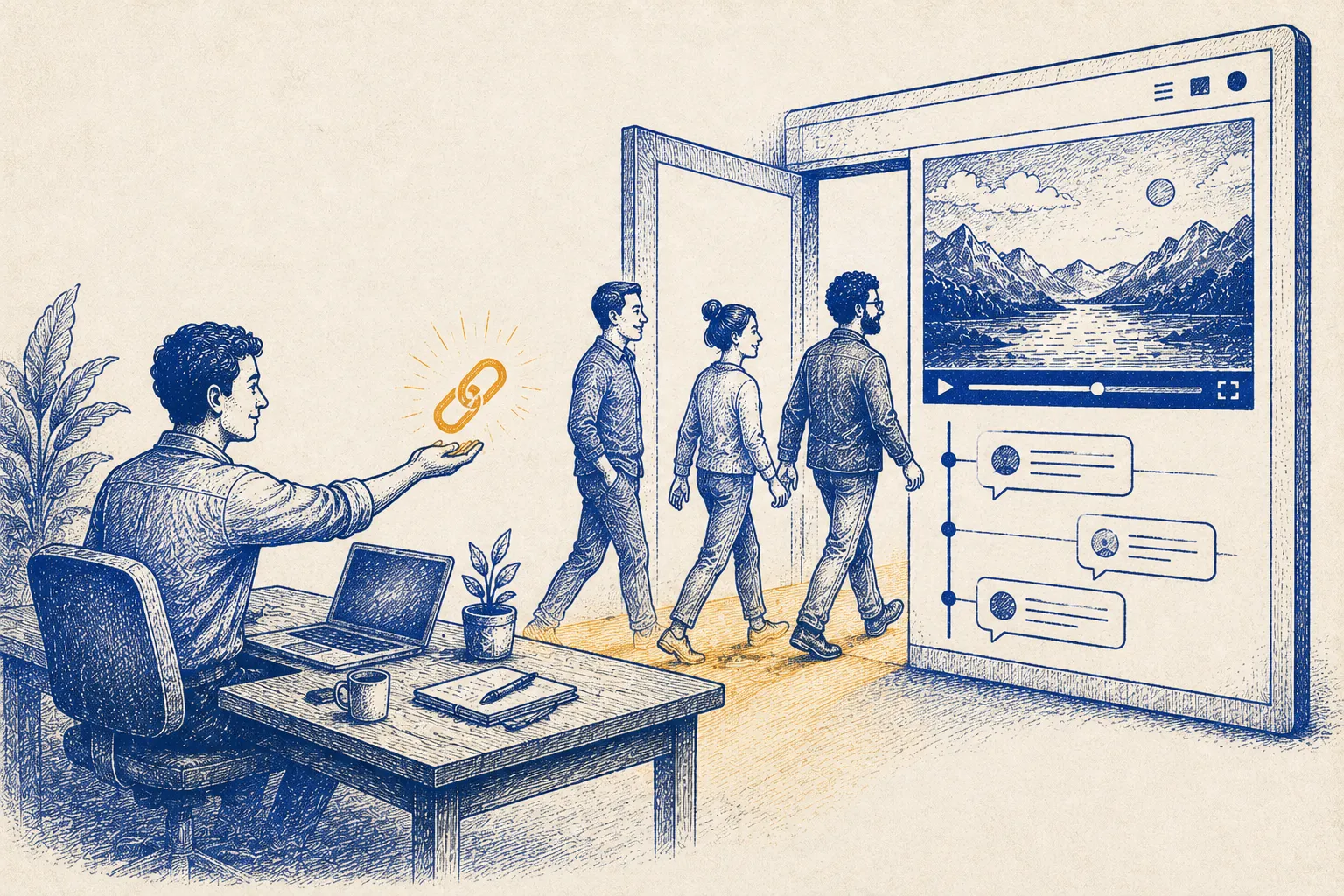
TL;DR: Onboard clients in 3 steps: 1) Create project, 2) Generate guest link, 3) Send link. Client clicks → starts reviewing. No signup, no friction, 30 seconds.
Why Traditional Onboarding Fails
Old way:
- “Please create an account”
- Client: “I don’t want another password. Can’t you just email me the video?”
- You: “It’s more organized in the platform”
- Client: “I don’t care. Email it.”
- Email ping-pong ensues
Result: Client approves via email. You consolidate feedback manually. Slow.
Better way:
- Generate guest link
- Send link: “Click here to review → no signup required”
- Client clicks
- Reviews immediately
- Feedback organized automatically
Result: Fast, frictionless, organized.
3-Step Onboarding
Step 1: Create Project (1 minute)
- Name: “Brand Video v1 - Review”
- Add project details
- Upload video file
Step 2: Generate Guest Link (30 seconds)
Platform automatically creates shareable link:
https://youvico.com/guest/project/abc123xyzNo account required. No setup.
Step 3: Send to Client (1 minute)
Email template:
Subject: Your Video is Ready for Review
Hi [Client],
Your video is ready! Please review and provide feedback.
👉 Review Here (no signup required): [LINK]
Timeline:
- Review deadline: Friday 5pm
- We'll send updated version Monday morning
Questions? Reply to this email.
Thanks!
[Your Name]
That’s it. Client clicks → reviews → provides feedback.
What Clients See
- Click link → Project loads instantly
- Video plays → Built-in player (no download)
- Feedback section → Type comments at any timestamp
- Submit → Feedback is organized, timestamped, and sent to you
Zero friction. Zero confusion.
Handling Multi-Stakeholder Reviews
If 5 people need to approve:
Send same link to all 5. They each:
- Click the link
- Review the video
- Add their own comments
- Don’t need accounts
All feedback appears in the same organized interface for you.
No “wait, did Client Manager review?” confusion. All feedback is visible to all reviewers.
Advanced: Permissions for Guest Access
Set guest permissions:
- View Only: Can watch, can’t comment (good for external legal/compliance review)
- Viewer + Comment: Can watch and comment (good for creative feedback)
- Editor: Can upload new versions (good for collaborative editing with freelancers)
Example:
- Client Brand Manager: View + Comment (provide feedback)
- Client Legal: View Only (compliance check)
- Your Freelance Colorist: Editor (upload revisions)
FAQ
Q: Are guest reviews secure? A: Yes. Links are unique, time-limited, and encrypted. If you revoke the link, access ends immediately. YouViCo is SOC2 and GDPR compliant.
Q: Can guests download the video? A: Yes, if you allow it. Toggle on/off per project. Most clients don’t need to download; they review in the platform.
Q: What if a guest loses the link? A: Re-send it. Each link is valid multiple times. No limit on how many times they can use it.
Q: Can we track who reviewed and when? A: Yes. Platform shows: “Client Manager reviewed 3/28 at 2:15pm. Provided 4 comments.”
Q: What if the client wants to loop in someone else mid-review? A: Easy. You send them the same link. New person can review at any time without disrupting others’ reviews.