
A new home for YouViCo news, prompts, and articles
The YouViCo Blog has a new look and three sections: News for product updates, Prompts for guides to YouViCo's built-in AI generation, and Articles for the how-tos, glossary, comparisons, and deep dives you already know.
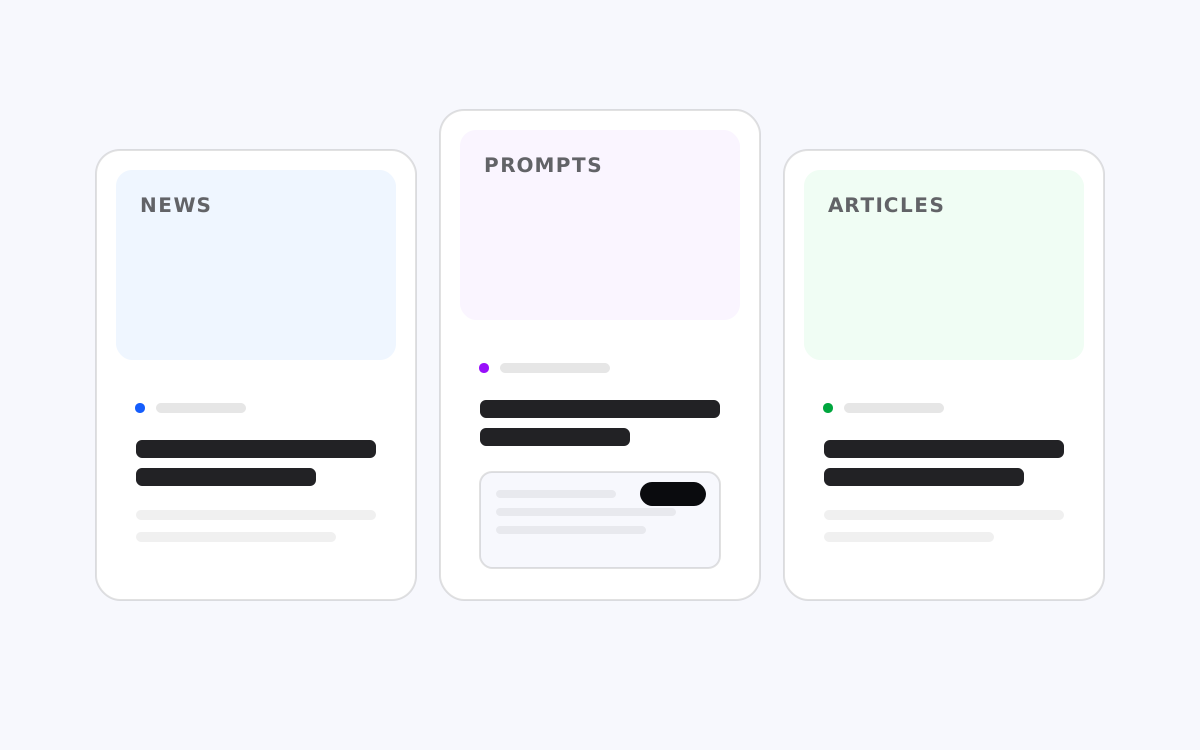
TL;DR: The blog is now organized into three sections. News carries product updates and stories from the team. Prompts is a new section of guides for YouViCo’s built-in AI generation: the prompt to paste, the references to attach, and what to expect back. Articles keeps the how-to guides, glossary entries, comparisons, and technical deep dives we have been publishing all year. The design was rebuilt on the YouViCo design system, so the blog now reads like the product.
Why three sections
Until now every post lived in one of four article categories. That worked while the blog was mostly long-form SEO content, but two kinds of posts never had a proper home:
- Things we ship. Release notes, feature walkthroughs, and the occasional story about why we built something.
- Things you can make. Short, practical guides for the AI generation built into YouViCo, where the point is not to explain a concept but to hand you a working prompt, the references it expects, and a demo of the result.
So the navigation now has three entries.
| Section | What goes there | Example |
|---|---|---|
| News | Product updates, releases, team stories | This post |
| Prompts | Guides to YouViCo’s AI generation, with a ready-to-paste prompt | Generating an 8-second product clip that matches an existing cut |
| Articles | How-to, Glossary, Comparison, Technical | Everything published before today |
The filter row on the home page still lets you narrow to any single category, and every existing URL keeps working.
What a prompt guide looks like
Each guide in the Prompts section follows the same shape, so you can skim one in a minute or follow it end to end:
- The idea. One paragraph on what you are about to make.
- What you need. The reference files to attach in the project, each with the slot name the prompt refers to (
brief,reference_cut, and so on). - The steps. Usually three. Put the references in the project, open New file ▸ AI, paste the prompt and check the credit reservation.
- Ready to paste. The full prompt in a card with a copy button.
- Tips. What breaks, what to check first, and how long a run takes.
The first guide is live today: generating an eight-second product clip that matches the tone of an existing cut, from a storyboard PDF and a reference video. Workflow guides for YouViCo For Editor, such as turning reviewer comments into a first revision pass inside Premiere Pro, live under Articles as How-to posts and use the same guide format.
A design that matches the product
The blog is built on the same tokens as YouViCo itself: an achromatic surface, Pretendard for every piece of type, a black primary action, and a single interactive blue for links and focus. Categories get a light tint from the system’s categorical ramps, which is what you see on posts without a cover image.
We looked closely at how editorial sites lay out a grid of stories and a single featured piece, and borrowed the parts that help you find things faster. The rest is YouViCo.
What is next
- More generation guides, in both English and Korean, for the clips and images our team actually makes.
- Release notes in the News section whenever something meaningful ships.
- The existing article series continues at the same pace.
If there is a workflow you would like a guide for, tell us at contact@youvico.com.