
What is Creative Collaboration? A Guide for Modern Content Teams
Creative collaboration is how teams of designers, editors, directors, and creators work together on shared projects. Learn frameworks, tools, and best practices.
What is Creative Collaboration?
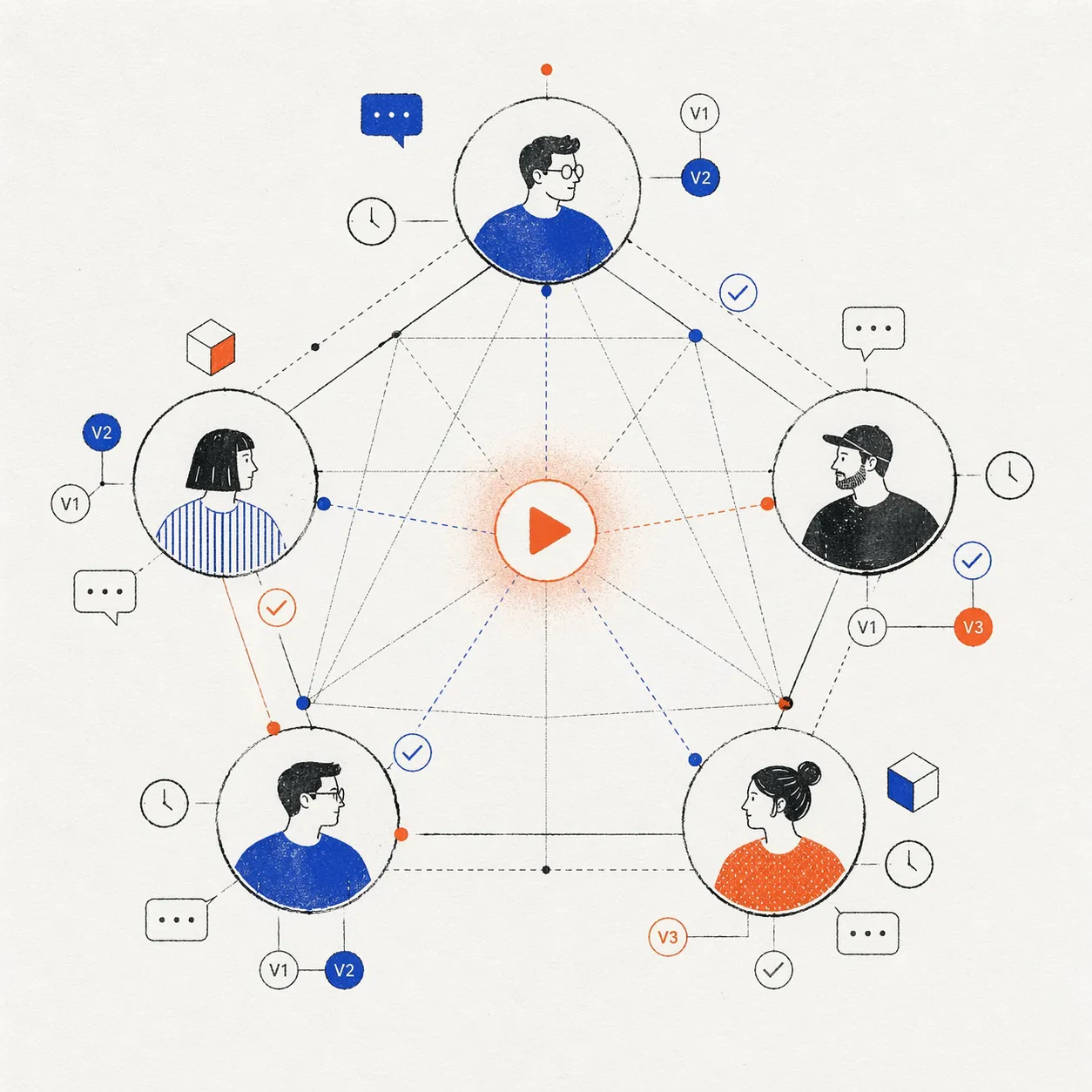
Creative collaboration is the process of multiple people—designers, editors, directors, writers, clients, stakeholders—working together on shared creative projects. It’s not just sharing files; it’s coordinating decisions, gathering feedback, iterating on concepts, and aligning on the final deliverable. The creator economy is worth $214B because collaboration at scale became possible. A freelance video editor can now work with a creative director in another country, sync in real-time, and deliver a final cut without ever meeting.
Creative collaboration differs from task management or project management because the output is subjective. Unlike building software (where “done” means “works”), creative work is about alignment: does the client like it? Does the director approve the color grade? Did everyone agree on the creative direction?
Why Creative Collaboration Matters
The Problem: Silos Kill Creativity
Imagine a production without proper collaboration:
- Designer creates a thumbnail in Figma. Doesn’t tell the editor.
- Editor finishes the cut in Premiere, uploads to Dropbox. Doesn’t tell the designer.
- Director watches the cut, has feedback. Emails both of them separately.
- Designer and editor revise independently. Revisions conflict.
- Redo, redo, redo.
Without collaboration, people work in parallel instead of together. Rework multiplies.
The Solution: Shared Context, Real-Time Feedback
With proper collaboration:
- Designer creates thumbnail → shares in Slack with context (“Here’s the visual direction”)
- Editor watches the thumbnail → builds the cut with that style in mind
- Both watch the cut together (video call or shared timeline) → feedback happens in real-time
- Director watches → timestamps specific feedback
- Both revise → one source of truth (shared project workspace)
- Final cut aligns with thumbnail, theme, and director’s vision
No rework. Alignment from the start.
The Five Elements of Creative Collaboration
1. Shared Context
Everyone understands the creative brief, goals, and constraints before work starts.
- What is this video for? (Brand campaign, educational content, entertainment?)
- Who is the audience?
- What’s the key message?
- Any constraints? (Length, tone, budget, regulatory?)
Shared context prevents wasted effort. Designer doesn’t create a formal institutional thumbnail if the brief says “playful, irreverent tone.”
How to establish: Share a brief document, Slack message, or kickoff meeting. Document in one place so everyone references the same source.
2. Clear Roles and Ownership
Everyone knows who owns each part of the project.
- Who is the creative lead?
- Who makes final decisions on color grade?
- Who approves the script?
- Who has sign-off authority?
Clarity prevents “wait, who was supposed to do this?” situations.
How to establish: Assign owners explicitly. Use RACI matrix (Responsible, Accountable, Consulted, Informed) for large projects.
3. Asynchronous Feedback Loops
Not everyone can be in the same room at the same time. Collaboration tools bridge time zones.
- Video review tools (YouViCo, Frame.io) allow feedback on shared videos
- Design tools (Figma) show real-time cursors and comments
- Document tools (Google Docs) track suggestions and versions
Asynchronous feedback means Tokyo and New York can collaborate without scheduling meetings at midnight.
How to establish: Choose a tool that supports non-real-time work (timestamps, comments, version history).
4. Version Control and History
Every iteration is recorded. You can see what changed, who changed it, and why.
- Video version control (V1, V2, V3)
- Design file versions (Figma versions)
- Document history (Google Docs revision history)
History prevents accidental loss of ideas. If V3 is worse than V2, you can revert.
How to establish: Use tools with built-in version control, not shared folders.
5. Clear Communication Norms
How do team members ask questions? Give feedback? Disagree?
- Feedback is specific and actionable (not vague complaints)
- Disagreements focus on ideas, not people
- Decisions are documented
- Archives are searchable (so questions asked once get answered once)
Good communication norms scale collaboration. You can add new team members without chaos.
How to establish: Write a style guide. Example: “Video feedback must be timestamped. Design feedback should include a screenshot or Figma link. Keep Slack threads, don’t scatter comments.”
Creative Collaboration Models
Model 1: Agency → Client
An agency (team of designers, editors, producers) collaborates with a client (brand, company, stakeholder).
Structure:
- Agency owns the creative direction
- Client approves milestones and final deliverable
- Communication is formal (kickoff meeting, checkpoint reviews, final approval)
Tools: Filestage (formal approvals), YouViCo (flexible feedback), Asana/Monday (project tracking)
Challenges: Client feedback can contradict agency vision. Clear approval gates help.
Model 2: In-House Studio
An in-house team (editor, colorist, sound designer, producer) collaborates on brand content.
Structure:
- Creative director leads
- Specialists handle their domain
- Feedback is continuous, not gate-based
- Decision-making is faster than agency (internal, not external)
Tools: YouViCo (real-time collab), Slack (internal comms), shared project workspace
Challenges: Groupthink. Encourage constructive disagreement.
Model 3: Distributed Freelance Network
A director hires freelancers (animators, composers, sound designers) to contribute pieces of a larger project.
Structure:
- Director or producer coordinates
- Freelancers work on isolated deliverables (not overlapping)
- Feedback is asynchronous (time zones, schedules)
- Payment tied to milestones
Tools: YouViCo (feedback), Slack (quick comms), Harvest/Wave (time tracking, invoicing)
Challenges: Quality consistency, communication overhead.
Model 4: Open Collaboration (Creator Community)
A creator (YouTuber, filmmaker) collaborates with audience, fans, or community members.
Structure:
- Creator shares rough cut or concept
- Community provides feedback (polls, comments, Discord)
- Creator incorporates best ideas
- Community feels ownership over the final piece
Tools: YouTube Community tab (polls), Discord (discussion), Patreon (monetization)
Challenges: Too many voices can drown out signal. Curate thoughtfully.
Real-World Example: A 3-Minute Commercial Campaign
Week 1: Creative Brief
- Client and agency align on strategy (research, mood boards, key messages)
- Shared context: “Premium luxury watch. Audience: high-net-worth men. Tone: aspirational but authentic.”
Week 2: Production
- Director shoots footage
- Shares dailies with editor and colorist (YouViCo)
- Editor starts cutting immediately, colorist reviews color decisions
Week 3: First Cut
- Editor uploads “V1 Rough Cut” to YouViCo
- Creative director watches, leaves timestamped feedback (“Music cue at 0:45 feels off”, “Opening shot needs 2-frame trim”)
- Sound designer reviews, flags sync issues
- Colorist reviews, approves color direction
Week 4: Revisions
- Editor incorporates CD feedback, uploads “V2 Revisions”
- Sound designer syncs music
- Colorist does final color pass
- Team watches V2 together (video call), agrees it’s ready for client
Week 5: Client Approval
- Agency shares V2 with client (YouViCo guest link)
- Client watches, approves with minor notes
- Agency uploads “V3 Client Revisions”
- Client signs off
Week 6: Final Delivery
- Editor exports “Final” in all required formats (YouTube, broadcast, social)
- All formats archived in project workspace
This entire project is tracked. Every decision is documented. Every iteration is stored. If a legal dispute arises 6 months later, the agency can prove: “Client approved this exact version on May 15th.”
Without collaboration structure, this project takes 10 weeks and involves 20 emails asking “which version are we on?”
Tools That Enable Creative Collaboration
| Category | Tool | Best For |
|---|---|---|
| Video Feedback | YouViCo, Frame.io, Wipster | Timestamped comments, version control |
| Design Collaboration | Figma, Adobe XD, Miro | Real-time design feedback, shared workspace |
| Document Collab | Google Docs, Notion | Scripts, briefs, notes |
| Project Management | Asana, Monday, Linear | Timeline tracking, task ownership |
| Communication | Slack, Discord | Quick questions, announcements |
| Asset Management | Frame.io, Dropbox, Blackmagic Cloud | File storage, version history |
Most teams use 3-5 of these tools in combination.
Best Practices for Creative Collaboration
1. Start with Alignment
Before anyone creates anything, everyone agrees on the brief, goals, and success metrics. “This video needs to increase engagement by 20%” is better than “Make it more engaging.”
2. Establish Clear Feedback Protocols
“Feedback happens in YouViCo, not Slack. Use timestamps. One issue per comment.”
3. Separate Feedback from Approval
Creatives give feedback (suggestions). Stakeholders give approval (yes/no). Don’t mix them.
4. Time-box Iteration Rounds
“Feedback due Friday EOD. Revisions due Monday.” Prevents endless loops.
5. Archive Everything
Keep all versions, feedback, and decisions. It’s the institutional memory.
6. Celebrate Disagreement
The best creative work comes from tension. Encourage team members to say “I disagree” early.
7. Async First
Assume people aren’t in the same timezone or available simultaneously. Structure work for async feedback. Save synchronous time (meetings, calls) for decisions, not feedback.
FAQ
What’s the difference between collaboration and cooperation? Cooperation is “I’ll do my part, you do yours.” Collaboration is “We’ll figure this out together.” Collaboration requires shared context and feedback loops.
How many people can effectively collaborate on one project? 3-7 people work best. Beyond that, sub-divide into teams. Creative direction comes from fewer people; feedback can come from more.
Can you collaborate on video without dedicated tools? Technically yes (email, Dropbox, calls). But you’ll lose 40% of time to coordination overhead. Tools are worth it.
What if collaborators are in different time zones? Use asynchronous tools (YouViCo, Figma, Google Docs). Real-time tools (calls, Slack threads) become secondary. Schedule one sync per week if possible, but don’t block on it.
How do you prevent scope creep when collaborating? Be explicit about sign-off gates. “Once client approves V2, no scope changes without a change order.” Document decisions.
What if someone disagrees with the creative direction? Discuss openly. If it’s a creative difference, creative lead decides. If it’s a factual issue, research it. Document the decision.